We unpack the ins and outs of hardware you should (or shouldn’t) be using.
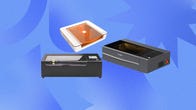
This isn't your usual 24-inch all-in-one PC. With a smart design and built-in battery, the Envy Move can be used all around your home.
From laptops to drones, we compiled the best computing gear on the market.
Make amazing things with the latest laser cutters and engravers.
The ReMarkable 2, Kindle Scribe and other E Ink tablets help you save paper and keep you organized all in one place.
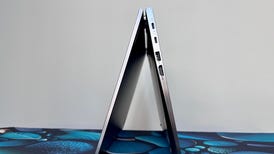
This 14-inch two-in-one for business users is compact for easy travel yet big enough to get work done, but Lenovo's display options for it miss the mark.
If you own a 3D printer, you need a good slicer. These are the ones we've tested and approved.
Even in the modern age, we still need physical copies sometimes.
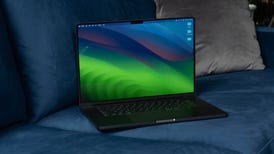
Apple's high-end MacBook Pro gets faster -- a lot in some respects -- and darker.
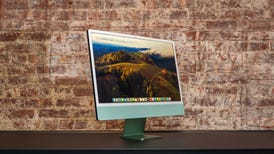
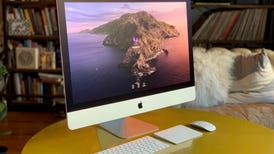
Apple didn't stray from the sophisticated and colorful design of the 2021 iMac, but the 2023 iMac's M3 chip puts this all-in-one in a class by itself.
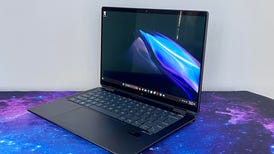
With a next-gen Intel Core Ultra CPU and strong build quality, HP's premium two-in-one is pricey but primed for a long and useful life -- and its 9-megapixel webcam is awesome.
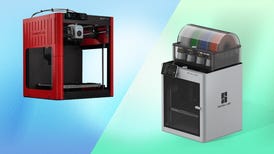
Two excellent and speedy 3D printers, both alike in dignity. One twice the price of the other.
There's very little different about the new Surface Pro X update, but the computer industry is slowly coming around to Arm-based PCs.
A much-improved webcam will make you a Zoom meeting boss, but the anti-glare nano-texture screen is an extra $500.
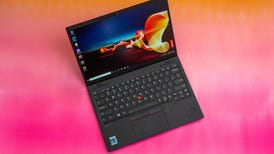
Like other ThinkPad X1 laptops, the Nano expands on what you should expect from a top-of-the-line laptop for business.
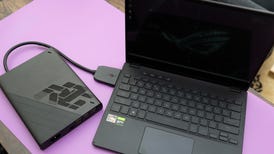
Asus' clever approach to marrying gaming and working in a lightweight laptop-plus-eGPU system makes a good start.
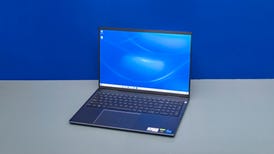
It doesn't have MacOS, of course, but Dell built an excellent, budget-friendly 16-inch laptop for creators (and gaming) you really should consider.
Keep up with the most recent computing news, products and deals.