Best Phone to Buy for 2024
Whether you want a cutting-edge phone or a more affordable option, we tested the best from Apple, Samsung, Google and more.
Our Experts


- Shortlisted for British Photography Awards 2022, Commended in Landscape Photographer of the Year 2022


- Patrick's play The Cowboy is included in the Best American Short Plays 2011-12 anthology. He co-wrote and starred in the short film Baden Krunk that won the Best Wisconsin Short Film award at the Milwaukee Short Film Festival.
What to Consider
iOS or Android
Size
Cameras
Software support
Our Picks
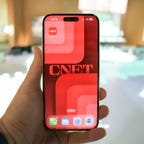




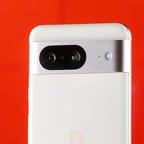

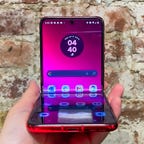

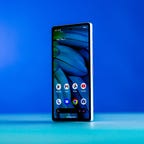


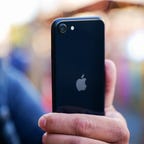

From Apple's iPhone 15 lineup and Samsung's Galaxy S24 series to Google's Pixel 8 Pro and the foldable Galaxy Z Flip 5, you have a seemingly endless amount of options to choose from when buying a new smartphone. The phones on this list vary when it comes to size, price and features, but they have a few things in common. The best phones of 2024 have fast processors and vibrant screens to make Netflix shows look great. They can also take gorgeous photos and last at least a full day on a single charge. But you don't have to pay $1,000 to get a great phone. Budget-friendly phones like the Pixel 7A also offer smooth performance at a more wallet-friendly price.
With so many options, figuring out which one is best for your needs can be tough. To simplify the decision for phone shoppers, we've rounded up our top picks. Each phone on this list meets the requirements for what CNET considers to be the best smartphone. From high-end phones packed with cutting-edge tech to budget devices under $500 and everything in between, plenty of worthwhile options are available for everyone.
Every phone on this list has been thoroughly reviewed and tested, and you'll find options across iPhone and Android that fit different needs and different budgets.
What is the best phone for most people?
The best phone for iPhone fans is the $799 iPhone 15. It has one of Apple's most recent processors, the A16 Bionic chip found in last year's iPhone 14 Pro, meaning it should support new software features for years to come. The iPhone 15 has the best balance of camera performance and features (like the Dynamic Island) that will feel new to those coming from older iPhones to satisfy most people.
Our favorite Android pick is currently Samsung's Galaxy S24.
For more info, read our guide to help find the best phone for your needs and take a look at our tips on how to buy a new Apple iPhone or Android phone and where to snag the best phone deals.
Best phones of 2024
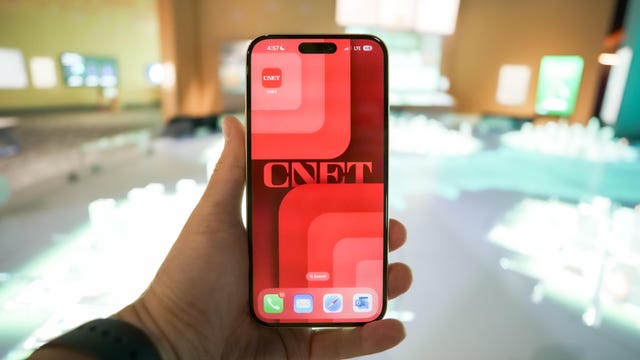
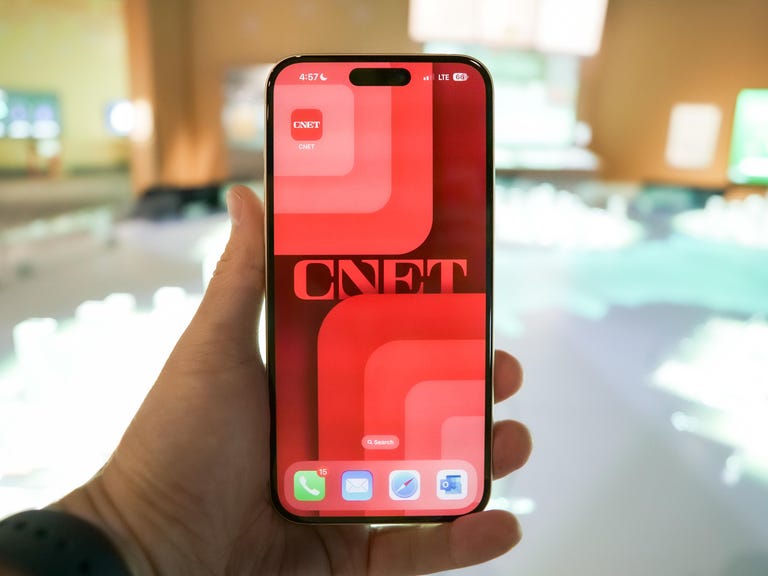
With the Dynamic Island, a USB-C port for more convenient charging and an upgraded camera with a higher resolution and a crisper zoom, the iPhone 15 is a significant upgrade for those with older iPhones. It feels like a scaled-back version of the iPhone 14 Pro, making Apple's entry-level iPhone 15 feel like a bigger leap forward than last year's.
The iPhone 15 has two size options: the 6.1-inch iPhone 15 and the 6.7-inch iPhone 15 Plus. They run on the same chip as the iPhone 14 Pro, the A16 Bionic, which should bring notable performance upgrades to those who had an iPhone several years ago. These phones also have Apple's second-generation ultra-wideband chip, enabling a new feature that makes it easier to find friends or family members in a crowd.
Last year's iPhone 14 Pro may be a better choice if you can still find it through third-party retailers at a discount, particularly because it has a dedicated telephoto lens, but the iPhone 15 is the most exciting upgrade Apple's standard iPhone has seen in years. Read our iPhone 15 and 15 Plus review.
Best premium Android phone
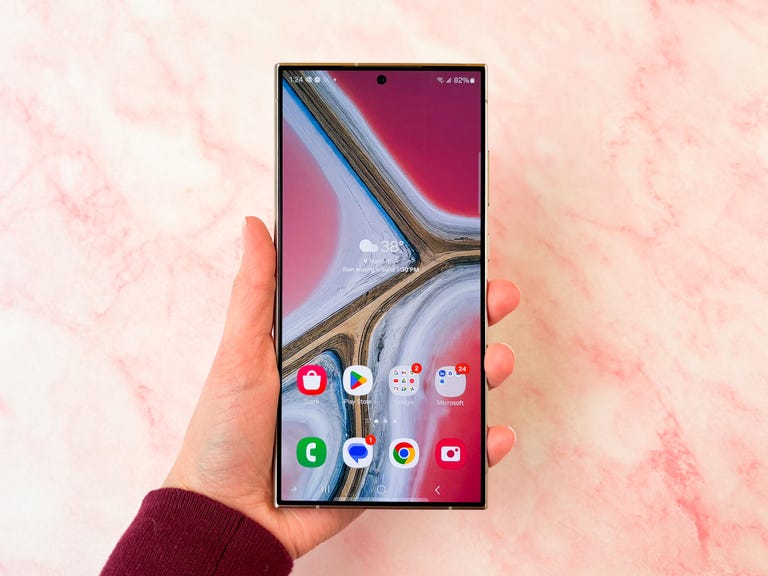
Samsung Galaxy S24 Ultra
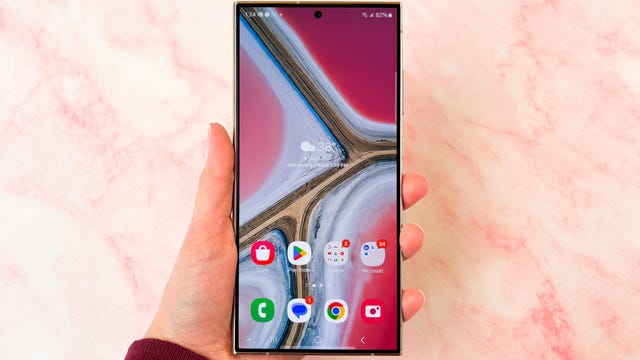
With a sharper 5x optical zoom, a faster new processor and that familiar giant display and 100x digital zoom, the Samsung’s “Ultra” phone remains a top choice for mobile photographers who want plenty of screen space. The Galaxy S24 Ultra is also one of the first phones with Samsung’s new Galaxy AI features, which include tools for translating text messages and phone calls instantly, and Circle to Search, a new gesture that lets you launch a Google search for almost anything simply by drawing a circle around it. Like the previous two generations, the Galaxy S24 Ultra comes with an embedded S Pen for those who like jotting down notes or doodling. Perhaps best of all, Samsung has committed to updating these devices with new versions of Android for seven years, meaning it shouldn’t feel out of date anytime soon.
Still, there are some important downsides to consider. At $1,300, this phone is expensive, so be sure to look for trade-in discounts if you plan to upgrade. For that high price, I had hoped Samsung would’ve added extra Galaxy AI features that are specific to the Ultra -- perhaps some that take advantage of the S Pen. Galaxy AI is the same on all Galaxy S24 devices, and it’ll be coming to the Galaxy S23 lineup soon too, so you don’t have to splurge on Samsung’s top-of-the-line phone if you just care about those features. Read our Samsung Galaxy S24 Ultra review.
Best premium iPhone
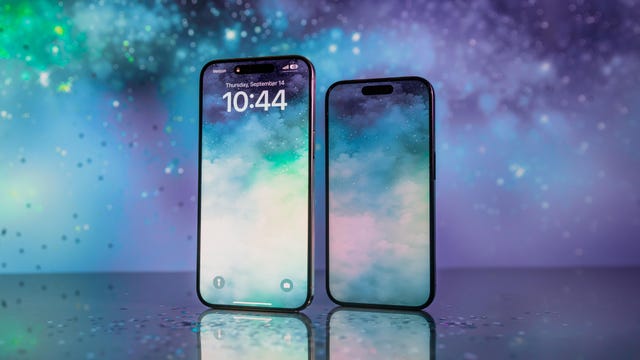
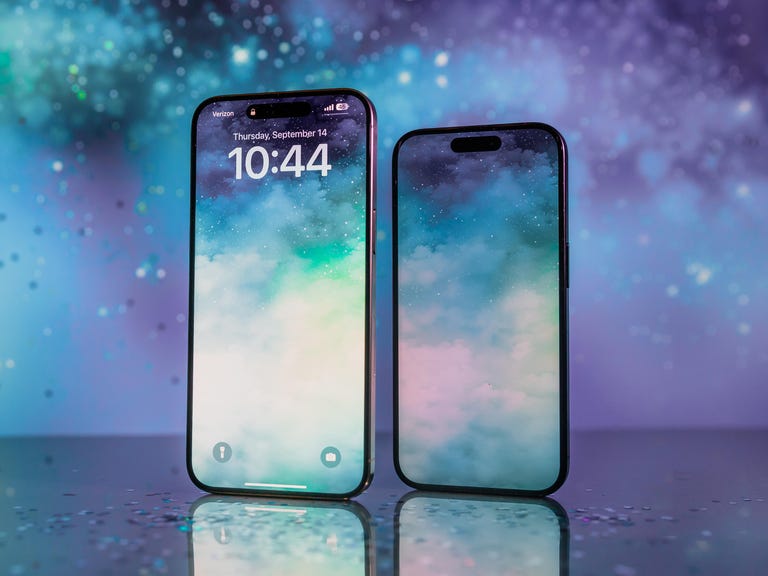
iPhone 15 Pro
Apple gave its Pro models a glow-up with a refreshed lighter build, a new shortcut button and the world's smallest processor. Plus, it did all this while managing to keep that tried-and-true iPhone aesthetic front and center. It also made more of a differentiation between the Pro and Pro Max models. The 15 Pro also still has the same familiar 3x telephoto camera found on previous models.
The brain behind the iPhone 15 Pro and Pro Max is the A17 Pro chip, which has the performance chops to handle console-tier video games like Resident Evil Village. If the A17 Pro chip is the brains, then iOS 17 is the 15 Pro and Pro Max's soul. The new OS is filled with lots of quality-of-life improvements throughout like StandBy mode, Check-In, Stickers in Messages and better autocorrect for the keyboard.
The iPhone 15 Pro and 15 Pro Max are some of the best phones released by Apple or any phone maker this year. Read our Apple iPhone 15 Pro and 15 Pro Max review.
The best Google has to offer
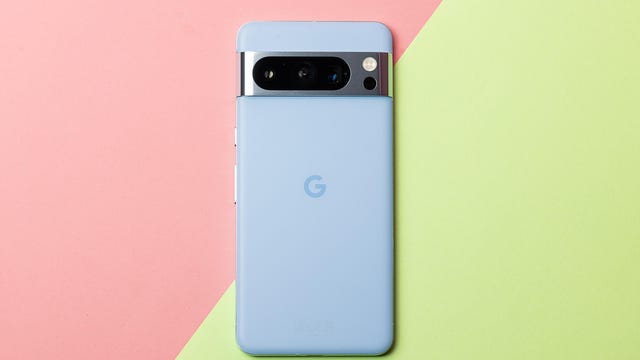
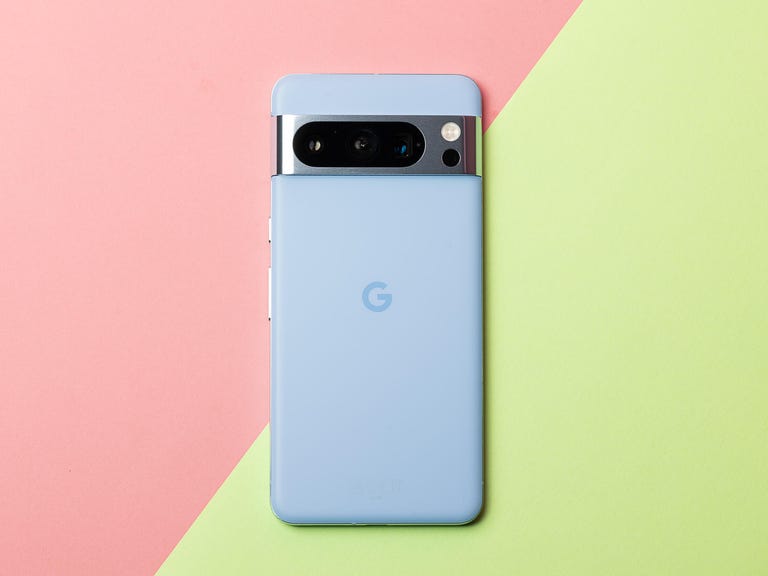
Google Pixel 8 Pro
While we had some early issues with the Google Pixel 8 Pro -- mostly with its cameras -- further testing and software updates from Google meant we eventually came away thinking quite highly of the Pixel 8 Pro. It has a lot going for it, from its slick design and easy-to-use Android 14 software to its rear camera setup, which can take some genuinely beautiful images. Google has sprinkled a variety of new AI features throughout the phone too, including a tool that uses generative AI to create wallpapers for the phone, and a camera feature that allows you to combine different faces from a series of burst images of a group of friends to make sure that everyone looks their best.
One of the best updates is Google's commitment to providing seven years of security updates to the Pixel 8 series, meaning this phone will still be safe to use in at least 2030. While we haven't been as impressed with this year's 8 Pro as we were with the 7 Pro, it's still a great phone to consider, especially if you're keen to hold on to your phone for longer. Read our Google Pixel 8 Pro review.
Best Android phone for most people
Samsung Galaxy S24
What impresses me the most about the Samsung Galaxy S24 isn't the new Galaxy AI features, brighter screens or solid cameras. It's the battery life. After testing, I can say the larger battery in the Galaxy S24 has no trouble plowing through a long day of use on a single charge.
The S24 is a wonderful, well-built phone that is excellent right out of the box just as the nearly identical S22 and S23 were before it. This similarity to the S22 and S23 can be viewed as either a strength because the design reflects three years of refinements, or as a weakness. Features like the camera hardware are essentially identical to what came out in 2022. All of this is overshadowed by the great battery life. You'll never hear anyone complain about getting too much battery life. Read our Samsung Galaxy S24 review.
Best Android phone under $700
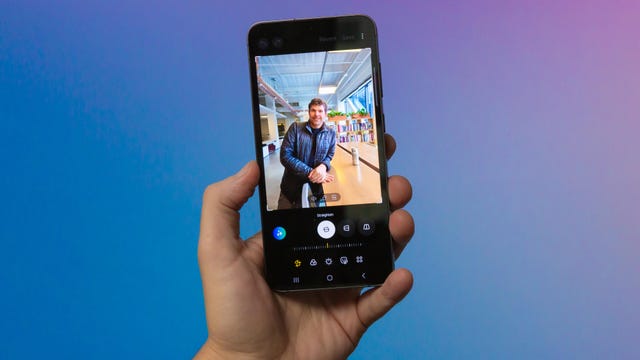
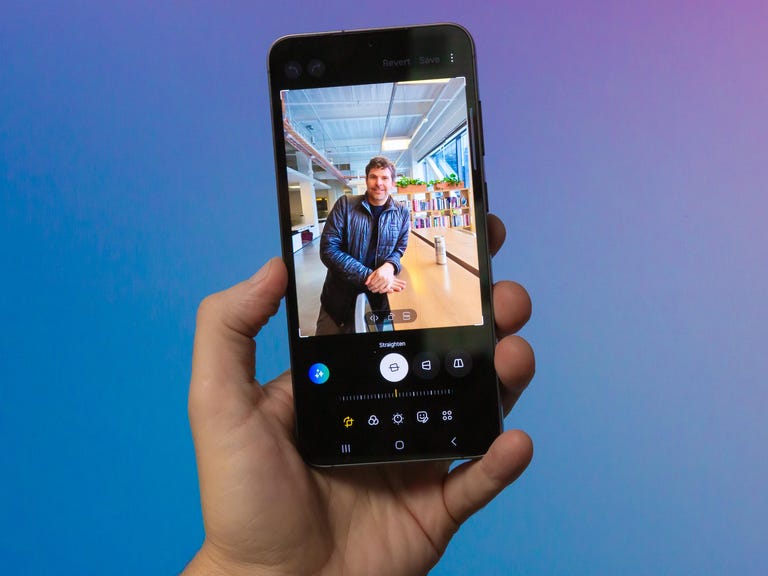
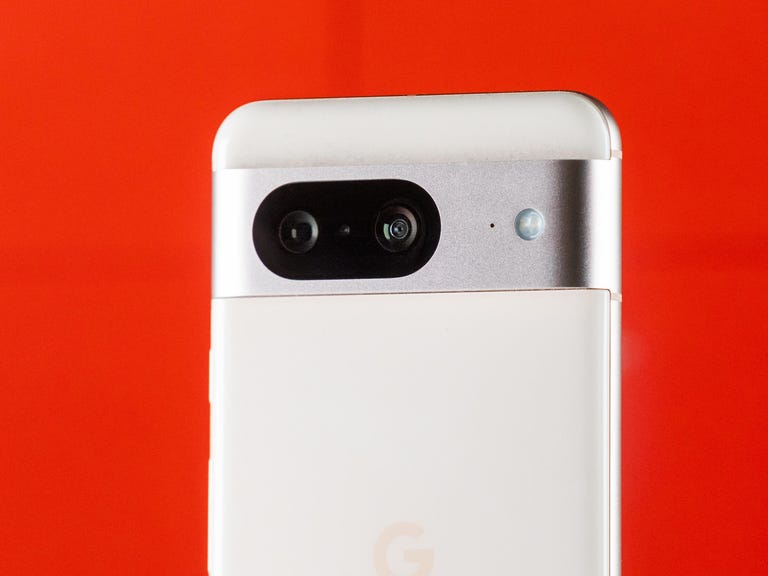
Google Pixel 8
The Pixel 8 has many of the features of the more expensive Pixel 8 Pro but comes in a slightly smaller package and with a smaller price tag to match. You'll find the Tensor G3 processor on board, along with Android 14 software that includes AI tools like the generative image wallpaper creator. It also comes with the same guarantee of at least seven years of security updates so this phone will still be going strong in 2030 -- as long as you look after it.
The rear cameras are more cut back here, as the base Pixel 8 lacks the 5x optical zoom camera seen on its bigger brother. I love that zoom lens, but I'm also a professional photographer. If photography isn't a priority for you, save yourself a bundle and opt for the cheaper option in Google's new range. The Pixel 8's higher price $699 seems worth it and makes you realize just how incredibly affordable the $599 Pixel 6 and 7 were and still are. Read our Google Pixel 8 review.
Best foldable phone
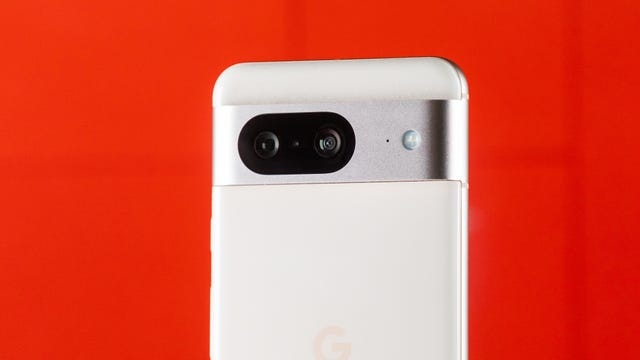
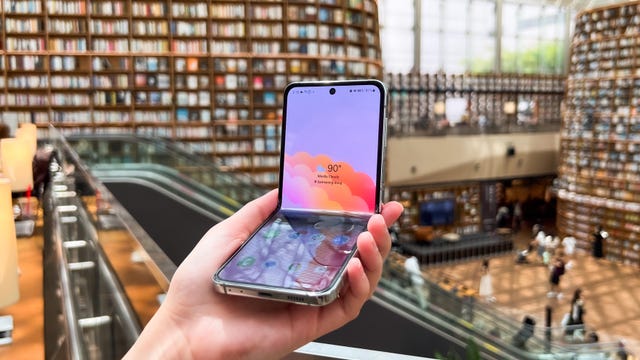
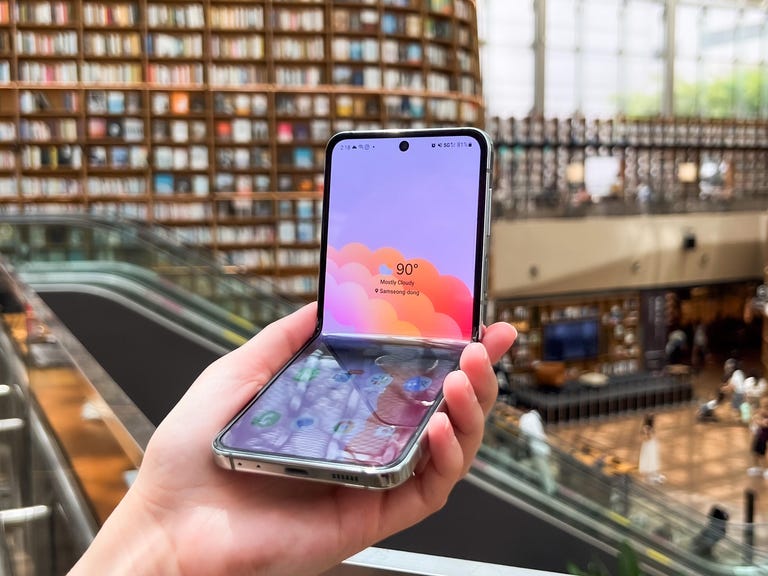
Samsung Galaxy Z Flip 5
The Galaxy Z Flip 5 is the biggest leap forward Samsug's flip phone has seen in years. Samsung has significantly expanded the size of the cover screen located on the outside of the device, meaning you can look up directions, take photos and send messages without opening the phone. It's this combined with the Z Flip's solid battery life and sturdy design that makes it a top pick.
The Z Flip 5 may be our favorite flip phone, but there are still some drawbacks to be aware of. At $1,000, it's still expensive for a phone without a telephoto camera, and not all apps work natively on the front screen as they do on the Motorola Razr Plus. Read our Samsung Galaxy Z Flip 5 review.
Best compact flip phone
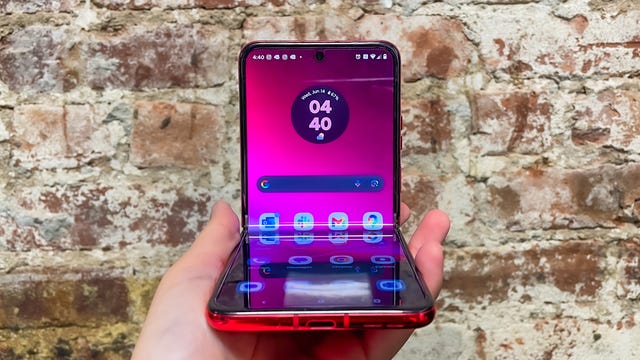
Motorola Razr Plus
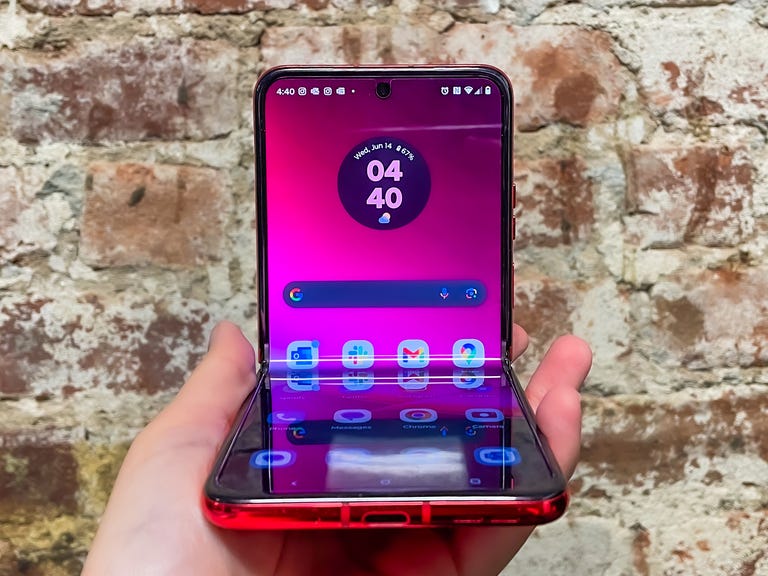
The Motorola Razr Plus raised the bar for what a flip phone should be in 2024. Its 3.6-inch cover screen allows you to use almost any app without opening the phone, plus battery life is long enough to get you through a busy day. It's also thinner than the Galaxy Z Flip 5, which could make it the ideal choice for those who prioritize portability in a phone.
While I recommend the Galaxy Z Flip 5 as the best flip phone overall, the Razr Plus is worth considering if you prefer a thinner design and want to use more apps on the phone's front screen without much extra fuss. The Razr Plus felt more fragile than the Z Flip 5 during my testing, but it's certainly thinner, making it a great choice for those who care about compactness above all else. Read our Motorola Razr Plus review.
A flashy yet affordable phone
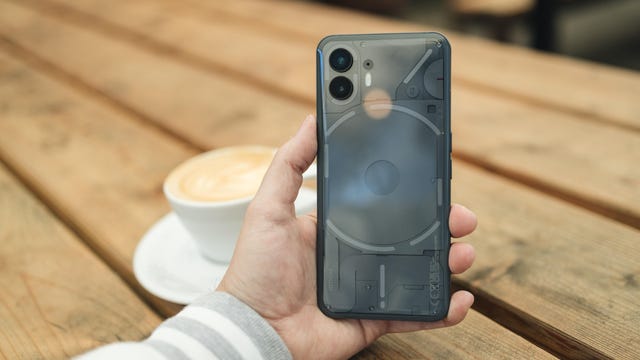
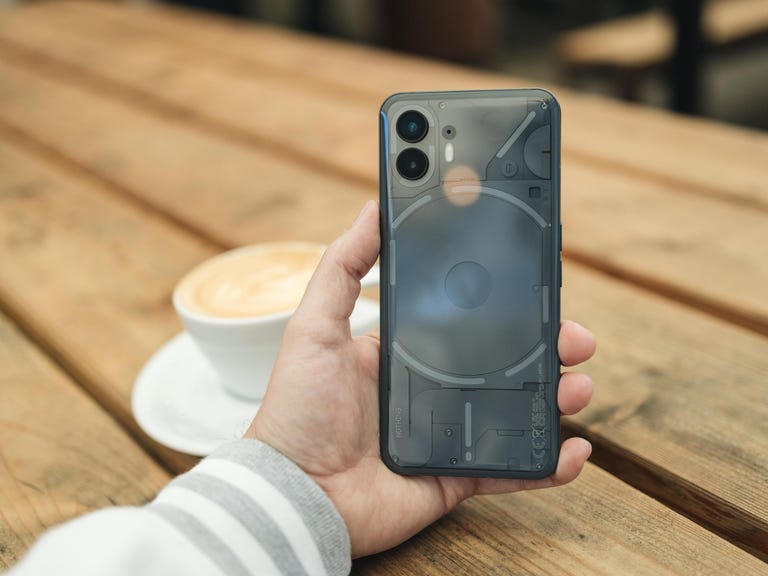
Nothing Phone 2
The Nothing Phone 2 stands out for its unconventional design that incorporates flashing LED lights, a relatively low price and fast performance. Unlike the Nothing Phone 1, you can buy the Nothing Phone 2 in the US, for $700. It's best suited for those who want a phone with a large, bright screen, a powerful processor and a design that makes a statement, all for well below $1,000.
That said, it's important to remember that the Nothing phone has a lot of competition in this price range. If camera quality is your top priority, you can get the Pixel 7A at a lower price of $449. Read our Nothing Phone 2 review.
Best Android phone for $500
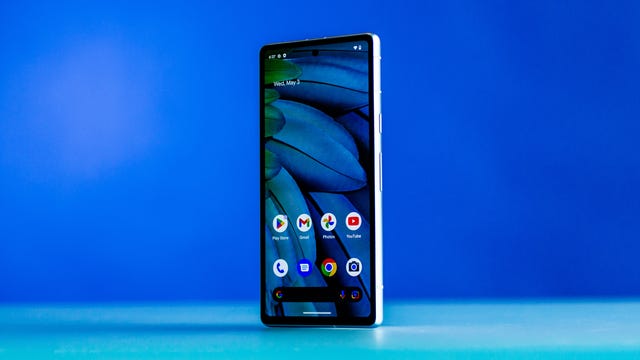
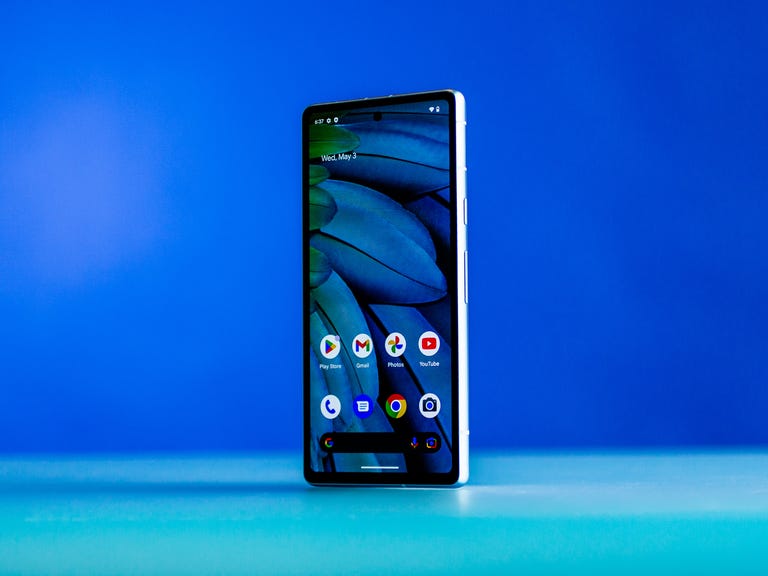
Google Pixel 7A
Google's budget phone leaped forward with the Pixel 7A, which offers many of the same benefits as the Pixel 7 but at a cheaper price. Like the Pixel 7, the Pixel 7A runs on Google's Tensor G2 processor, meaning it has many of the same photo editing and language translation features as its pricier sibling. The Pixel 7A's 64-megapixel camera also takes excellent photos that rival the Pixel 7's in quality.
While we still like the Pixel 7, the Pixel 7A's lower price makes it a better deal for most people. Only opt for the Pixel 7 if you want a slightly larger screen and are willing to pay the extra $100 for it. Otherwise, the main differences between the Pixel 7 and 7A come down to the former's more durable build, slightly faster charging and its ability to wirelessly charge compatible accessories. The Pixel 7 also has a larger camera sensor that's more sensitive to light, according to Google, but CNET's Lisa Eadicicco didn't notice much of a difference. Read our Pixel 7A review.
Best iPhone value
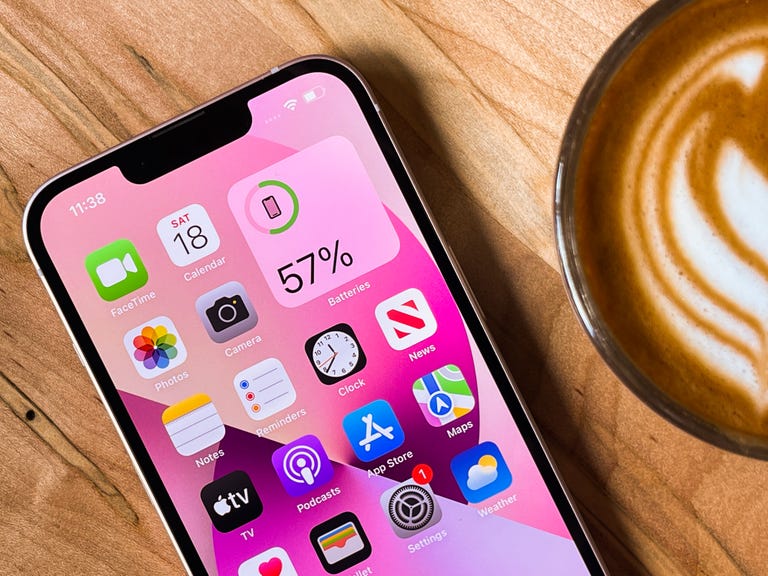
Apple iPhone 13
The $599 iPhone 13 is still an excellent phone. If you're considering buying an older iPhone to save money, the iPhone 13 is the best choice for most people.
It has a lot in common with the iPhone 14, considering both phones run on the same A15 Bionic processor and have a 12-megapixel camera system. The iPhone 14's processor has an extra GPU core, but those who primarily use their phone for casual gaming, social media, checking email and watching video likely won't mind.
The iPhone 13, like the 12 before it, is defined by its square-sided design. It supports 5G, MagSafe charging and has cameras on par with the ones from 2020's top-of-the-line iPhone 12 Pro Max.
The iPhone 13's best feature is its larger battery that, in our tests, lasted 4.5 hours more on a single charge than the iPhone 12, and nearly 3 hours longer than the more recent iPhone 14.
The 13 also has Cinematic mode, which is essentially a video version of Portrait mode, and iOS 17. The iPhone 13 earned a 2021 CNET Editors' Choice Award. Just remember the iPhone 13 lacks satellite connectivity for contacting emergency services without a cell service and car crash detection, both of which are available on the iPhone 14 and 15 series. Such features may be important to consider if you're purchasing a phone for your child. Read our Apple iPhone 13 review.
Best high performance flagship with a lower price
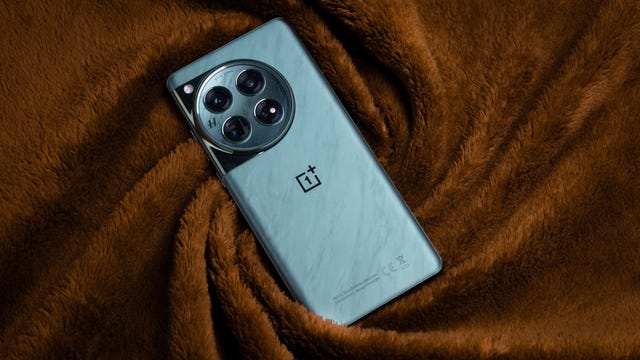
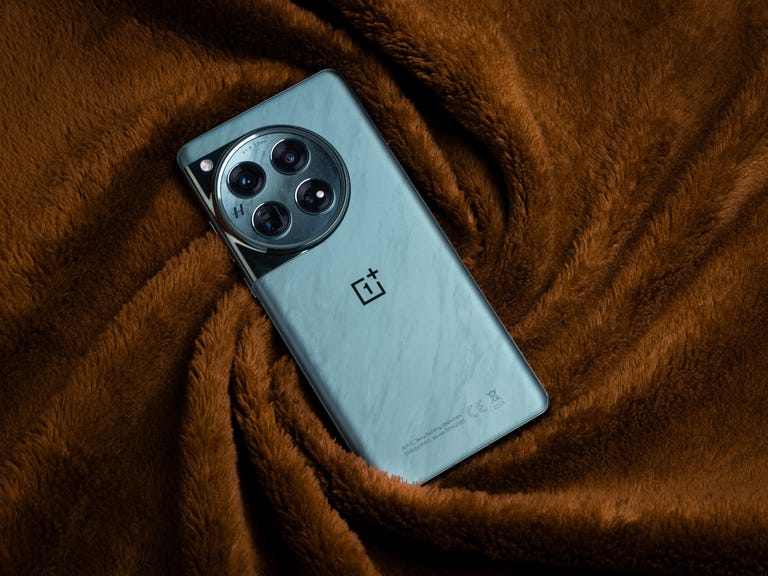
OnePlus 12
If fast charging, powerful performance and having a large, bright screen matter most to you in a phone, check out the OnePlus 12. OnePlus’ new phone can go from empty to full in less than 30 minutes thanks to its 80-watt charging in the US, a perk that can be helpful if you have a long day ahead and forgot your charger. It runs on Qualcomm’s Snapdragon 8 Gen 3 processor, which feels swift and zippy whether you’re playing games or just scrolling around the interface. The OnePlus 12’s 4,500-nit peak brightness also makes it ideal for outdoor use, since its screen is noticeably brighter than rivals like the iPhone 15 Pro Max and Samsung Galaxy S24 Ultra.
There’s room for improvement when it comes to the camera. While shots taken on the Plus 12 are decent, CNET’s Andrew Lanxon found nighttime photos look too dark and described the optical zoom as “very hit or miss.” It’s also worth noting that the OnePlus 12 gets four years of software updates. That would have been fine by 2023’s standards, but Google and Samsung now offer seven years of Android updates, which keeps those devices fresh and relevant for a longer period. Read our OnePlus 12 review.
Best small iPhone
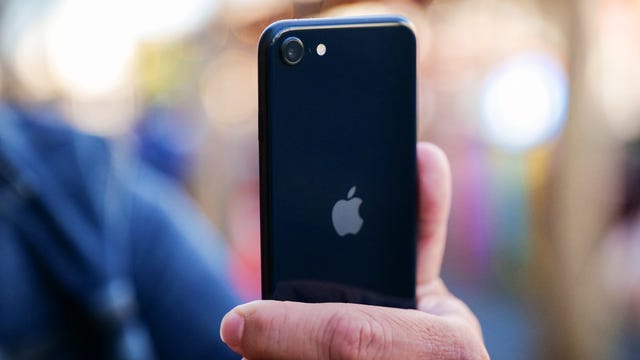
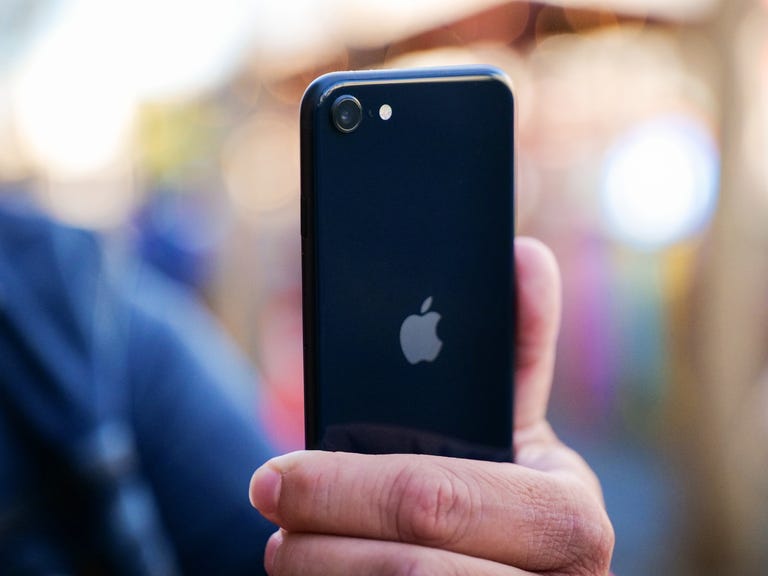
Apple iPhone SE (2022)
At $429, you might think the only appeal of the iPhone SE (2022) is its price. Admittedly, that's a big factor, but now that Apple has stopped selling the iPhone 13 Mini, it's also a solid option for those who prefer smaller phones.
On the outside, the iPhone SE has the same body as the iPhone 8, which makes it the only iPhone on this list that still has Touch ID. On the inside, the SE has the same A15 processor as the iPhone 13, 13 Mini, 14 and 14 Plus which takes the 2017 camera hardware and gives it an injection of Apple's computational photography magic.
The SE represents the classic iPhone design but with the added ability to run the latest version of iOS and apps. One of the quieter updates in 2022 was that the SE's back was upgraded to the back glass used on the iPhone 13 and 13 Mini. It's also your most affordable way into all of Apple services like FaceTime, iMessage and iCloud. Read our Apple iPhone SE (2022) review.
Best budget Android phone
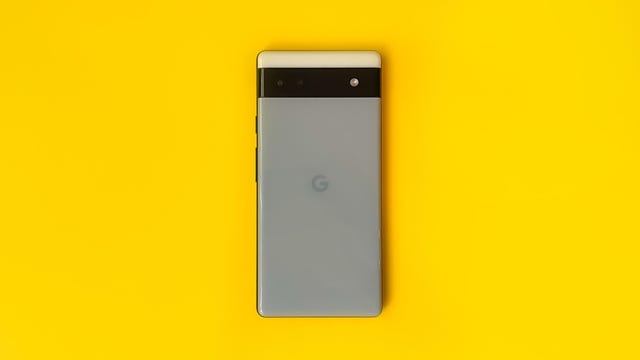
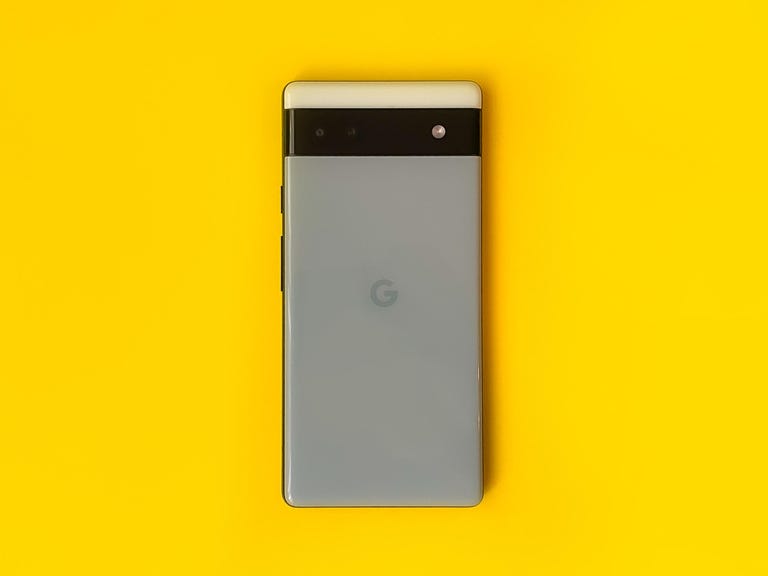
Google Pixel 6A
The Pixel 6A impressed CNET's Lisa Eadicicco last year with its attractive design and Tensor processor, which enabled it to inherit many of the same features as the Pixel 6 but at a cheaper price. Now, Google has knocked the price down to $349, making it an even better value.
The Pixel 6A has a 6.1-inch screen, making it the same size as the Pixel 7A and slightly smaller than the Pixel 7. While it's missing out on certain newer features that require the Tensor G2, it still has a lot to offer for the price. With the Pixel 6A, you get Google-specific features like Face Unblur, which sharpens a subject's face in blurry photos, and Real Tone, which renders skin tones more accurately in photos. Read our Pixel 6A review.
Other phones we tested
The $450 Samsung Galaxy A54 5G proves you can get a phone with solid performance for a very reasonable price. It packs a 6.4-inch display, an octa-core processor that offers enough power for daily essentials (including light gaming) and a camera that does a decent job of handling your out-and-about snaps. Its 128GB of storage will be enough for most people, and those who need more space can expand it with microSD cards up to 1TB in size.
The $1,400 Sony Xperia 1 V retains all the best features of previous Xperia 1 phones, like a 4K high refresh rate display, expandable storage, cutting-edge cameras with eye-tracking autofocus, a 5,000-mAh battery, a dedicated hardware shutter button and a headphone jack, all wrapped in Sony's lovely, mundane utilitarian design. The phone brims with numerous quality-of-life improvements for its target audience of creative types like photographers, filmmakers, musicians and gamers who want nuanced control over the content they make. Its $1,400 price tag keeps this phone squarely aimed beyond most consumers.
The Asus ROG Phone 8 Pro is a $1,200 gaming phone that takes nearly every feature to the extreme. It has a 5,500-mAh battery, a 6.78-inch AMOLED with a high refresh rate and touch sampling rate, 65-watt wired charging and even a door on the back for a detachable fan to keep the phone's Qualcomm Snapdragon 8 Gen 3 chip as cool as possible. The software is optimized and easily customized for gaming including touch-sensitive areas on the sides of the phone that double as shoulder buttons for games.
Factors to consider when buying a new phone
Pick the most important feature: Is it screen size? Camera quality? Battery life? This will help narrow down your choices. Phones like the iPhone 15 Pro Max or Galaxy S23 Ultra cost well over $1,000, for example, but pack large batteries that will last most people a day and a half to two days on a single charge.
Don't dismiss $500 to $700 phones: You can get a great phone that does almost everything that a more expensive flagship model can do for a fraction of the price. Google's Pixel 8 (which starts at $699) packs a great camera, a bright screen and unique AI features, but the $499 Pixel 7A has most of the same key specs and comes at a lower price.
Shop Black Friday: Look for sales and deals close to holidays, especially Amazon's Prime Day and Black Friday.
Consider last year's models: When a new phone gets launched, stores and carriers discount their older phones to sell off existing stock.
See the phone in person: It's worth going to a store and trying out a potential phone. You may love or hate the way it looks and feels.
Decide on Android or iPhone: Do you have a lot of iPhone apps and Apple subscriptions? Stick with an iPhone. If you've invested in loads of Android apps, you may want to stay on that side of the fence. Otherwise, it's simple enough to switch platforms.
Budget for a case and screen protector: Phones sold today are more durable than phones from even a few years ago, but it still might be a good idea to protect your phone with a case to keep it in tip-top shape.
How we test phones
We test every phone in real-world scenarios, focusing on its features, design, performance, cameras, battery life and overall value. We document our findings in an initial review that is periodically updated when there are new software updates, or to compare it against new phones from competitors such as Apple, Samsung, Google and OnePlus.

Emergency SOS debuted on the iPhone 14 series and we got to test the feature out to see how it works.
Photography
Photography is a major focus for most phones these days, so we take pictures and videos of various subjects in a variety of settings and lighting scenarios. We try out any new camera modes, such as Action mode that debuted with the iPhone 14 line, or the Unblur photo tool that launched with the Google Pixel 7 series.
Battery life
Battery testing is conducted in a variety of ways. We assess how long a phone lasts during a typical day of use and note how it performs during more focused sessions of video calls, media streaming and gaming. We also conduct a video playback test, as a simple, replicable measure of pure battery life, which isn't always included in the initial review but sometimes added later in an update.
Performance measuring
We use benchmarking apps to measure each phone's performance, alongside our own anecdotal experiences using the phone for our review. Most noteworthy is how graphics and animations look. Are they smooth? Do they lag or stutter? We also look at how quickly the phone switches between horizontal and vertical orientations, and how fast the camera app opens and is ready to take a photo.
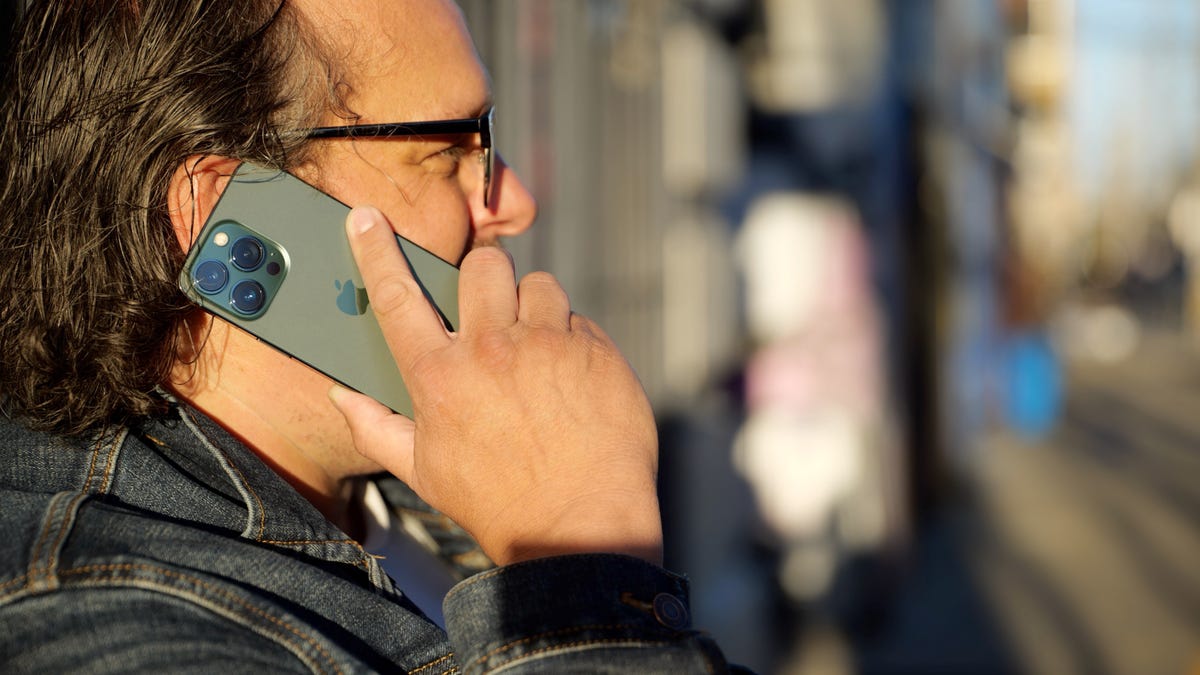
We also test every phone we review for the basics like making a phone call.
We perform processor-heavy tasks like editing photos, exporting videos and playing games. We evaluate whether a newer version of a particular phone includes enough features to make it worth upgrading from older models.
Read more: How We Test Phones