The 16 Best External Hard Drives and SSDs for 2024
Need a backup option or just more space? Here are our top picks for the best external hard drives and SSDs.
Our Experts


- Maggie Award for Best Regularly Featured Web Column/Consumer
What to consider
Budget
Capacity
Data transfer speeds
Compatibility
Security
Our Picks
What's the best external storage drive?
The best external drives are compact solid-state drives (SSD for short) that use flash memory and don't have any moving parts like larger traditional hard drives that are equipped with mechanical platters and a moving read-write head to access data. However, the big issue is that SSDs, while coming down in price over the last few years, tend to be expensive, particularly for higher-capacity drives. Top-end SSDs designed for video professionals now offer lightning-quick transfer rates as high as 3,000MB/s so long as they're connected to newer computers with the speediest USB-C interfaces (for example, the latest Macs have Thunderbolt ports that will allow you to transfer 50GB files in less than a minute). Specific USB-C cables are also required to get top speeds.
Most of the options on this list of the best external hard drive models will work across platforms -- whether you have a Windows PC, Mac computer, PlayStation or Xbox -- so long as the drives are correctly formatted for the right platform. But a lot of the time they'll be designated to work with a specific platform out of the box and sometimes come with backup software that's platform-specific. Unless otherwise indicated, all the PC drives mentioned here are compatible with Windows but can be formatted for a Mac. Many of them include cables or adapters to accommodate USB-C and USB-A ports. But if they don't happen to be included, you can easily buy dongles for about $12.
One important note for console gamers is that the newer PS5 and Xbox Series X (and Series S) consoles are much more restrictive about using external drives. The PS5 can store and play PS4 games from an external drive, but not PS5 games; the Xbox Series X can store Series X games, but you'll have to transfer them to the main SSD to actually play them. The Xbox Series X offers a proprietary Seagate-made storage expansion card, and you can now install an M.2 SSD in your PS5 to expand storage for PS5 games.
With those caveats noted, our current top picks for the best external hard disk drive and external solid-state drive are below. These (or nearly identical models with less storage capacity) have been used or anecdotally tested by CNET editors. We'll update our list of the best external hard drives and SSDs as we test new products. And remember: A single backup doesn't cut it. Ideally, you'll want redundant backups either off-site or using cloud storage for key data and large files (such as family photos) in case of theft or fire. And make sure to encrypt your data too.
Best external drives of 2024
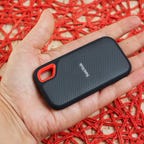
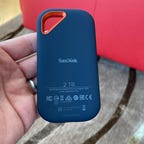
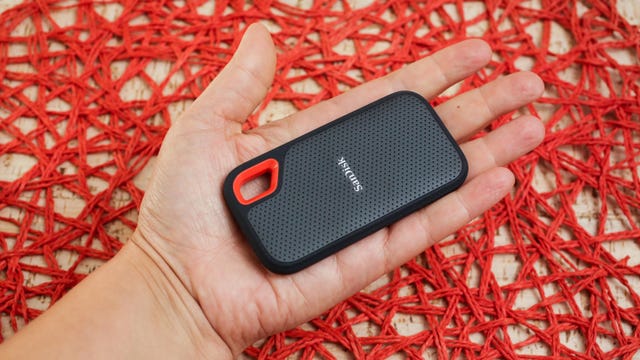
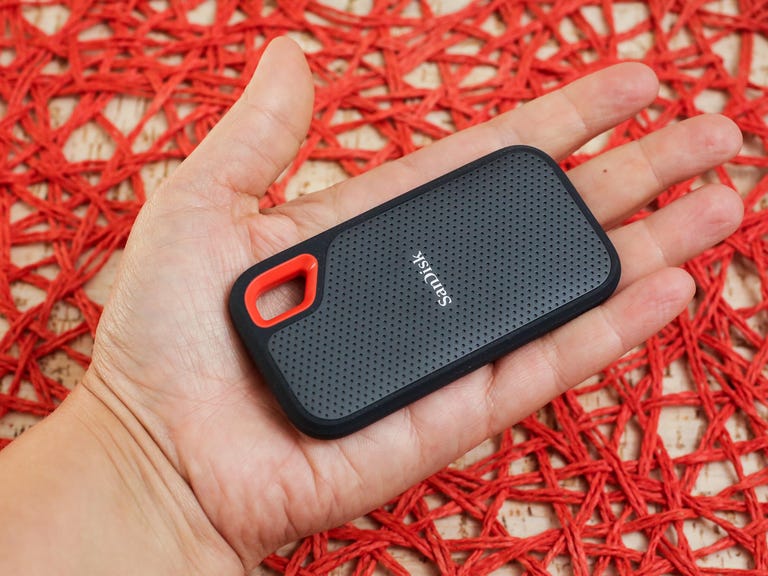
Western Digital, which owns SanDisk, sells its WD My Passport SSD as well this SanDisk External Portable SSD for basically the same price. I like the design of this model a little better and it's technically ruggedized with an IP65 rating, meaning it can withstand a sustained spray of water. Also, it's dust- and shock-resistant and has a USB-C interface.
The latest version offers speeds up to 1,050MB/s (just over 1GB per second) and is right around $100 for the 1TB version. While step-up models like the SanDisk Extreme Pro offer faster read/write speeds with the right computer, that may be overkill unless you regularly work with very large files.
Your speed will vary if you're moving a mishmash of files to or from the USB drive, but when copying a single large file you should be able to get close to those fast transfer speeds.
Best ultrafast gaming SSD for PCs and consoles
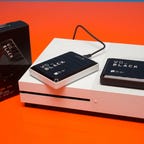
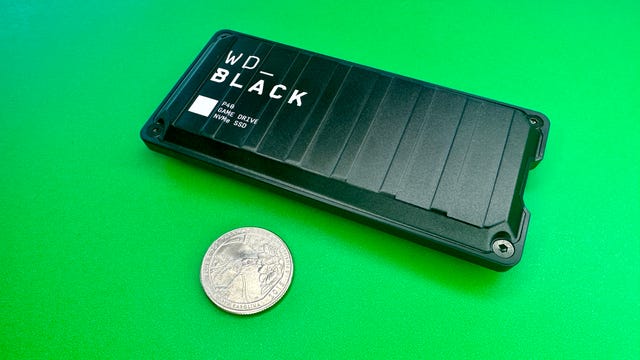
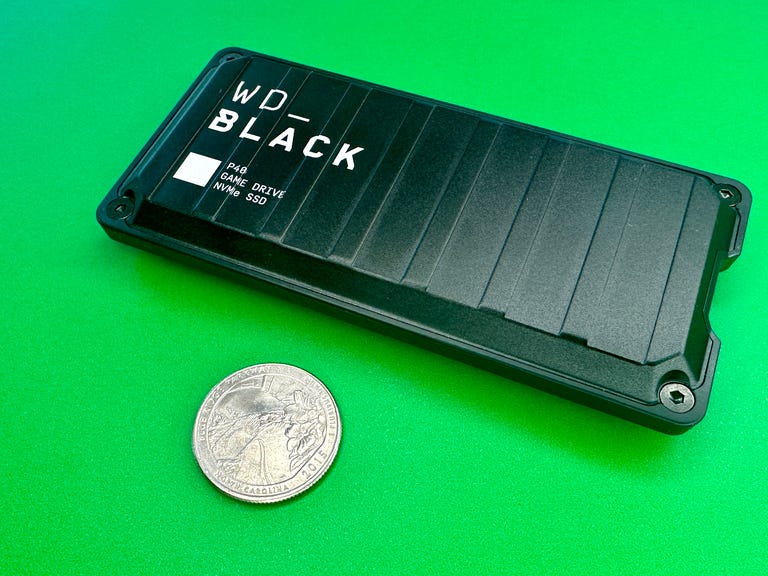
WD Black P40 Game Drive
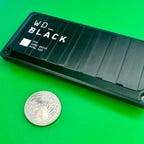
First released in 2022, the WD Black P40 has come down in price and is now pretty affordable. It's an ultrafast SSD that's more geared toward recent Windows PCs equipped with USB 3.2 Gen2x2 dual-lane architecture that allows for a theoretical 20Gbps data transfer rate. But it can also be used with consoles and Macs. It's capable of speeds up to 2,000MB/s.
Rated for surviving drops of up to 2 meters, the drive is durable and has an RGB lighting element that can be customized with a Windows PC.
You do pay a bit of a premium over the WD Black D30 (see below), which comes with a stand and is more geared to game consoles. But this drive is more future proof as an increasing number of PCs are equipped with USB 3.2 Gen2x2. Kingston's XS2000 has similar specs for around $10 less for the 1TB model, but some users have noted this drive offers slightly better write speeds.
Best for expanding storage for Xbox Series X/S games
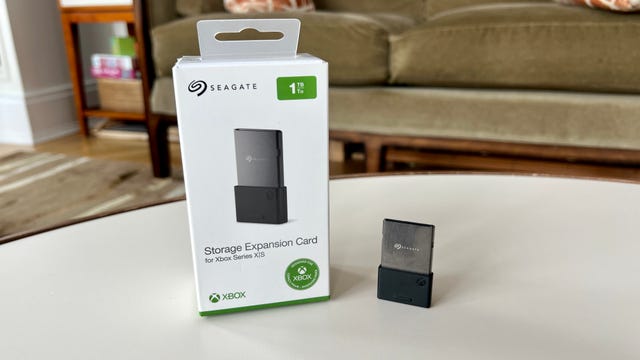
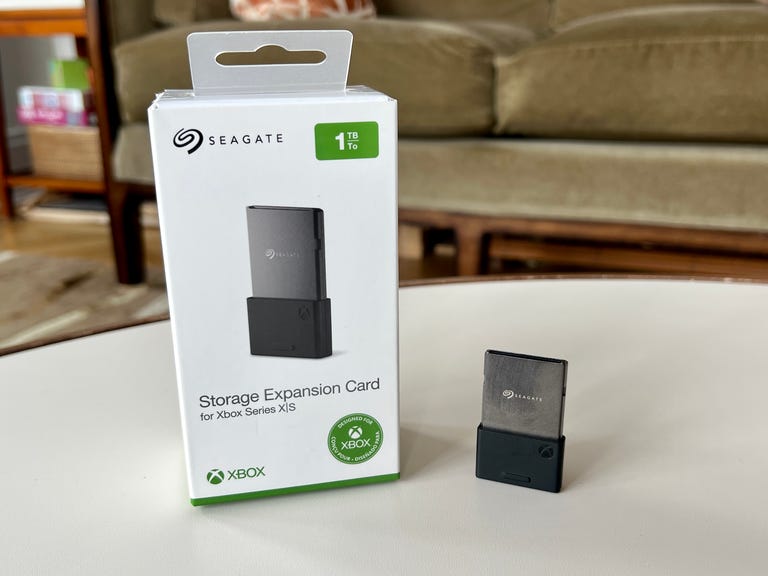
Seagate Storage Expansion Card
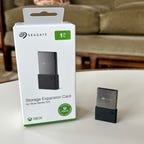
For better or worse, there's currently only one way to expand the storage on your Xbox Series X/S for next-gen Series X/S games: the Seagate Expansion Card. Similar to the storage situation with the PS5, you can plug in any external SSD or hard drive to expand the storage for standard Xbox games (previous-gen), but you can only store native Xbox Series X/S games on the game console's internal memory or the Seagate Expansion Card.
It plugs into a proprietary slot on the back on the Xbox Series X/S and "replicates the Xbox Velocity Architecture" (Microsoft's internal NVMe SSD tech) with peak speeds of up to 2.4GBps of raw I/O throughput. Microsoft says that's more than 40x the throughput of the Xbox One.
The expansion card comes in 1TB ($150) and 2TB ($250) versions.
Best value SSD
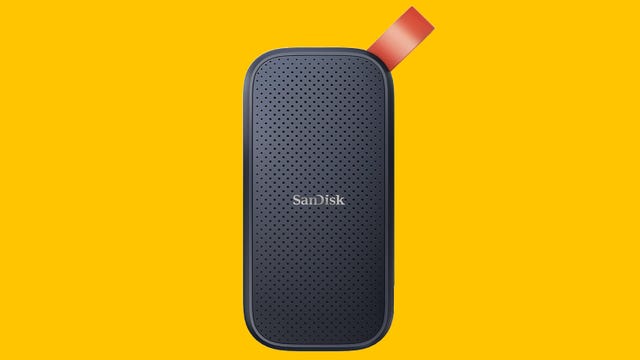
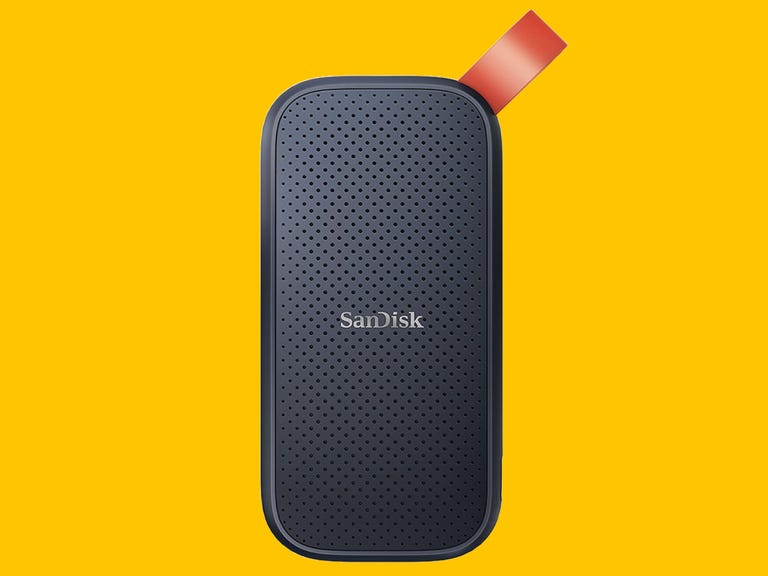
SanDisk 1TB Portable SSD
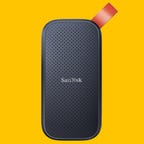
This is SanDisk's entry-level SSD, and while it doesn't have quite the same speedy performance as the step-up Extreme model, it's just a step or two behind with 800MB/s speeds compared to 1,050MB/s (that's about 1GB per second). The Extreme model is also ruggedized, while this one isn't. However, SanDisk says it's drop-tested to 2 meters. The 1TB version costs around $85, while the 2TB goes for $120. They offer more than enough speed for general use (by that I mean folks who aren't moving around hundreds of gigs of video files).
Best for expanding storage for PS5 games
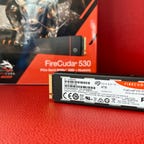
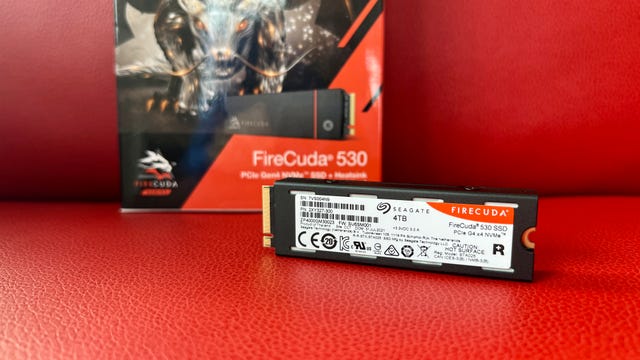
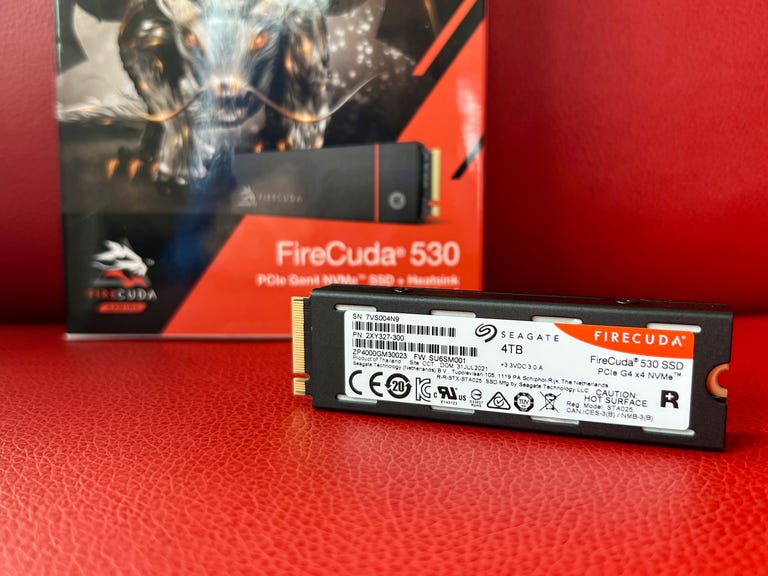
Seagate FireCuda 530 with Heatsink
You can expand storage for PS4 games on your PS5 by adding a standard external SSD because you can play PS4 games directly from an external SSD. However, that's not the case for PS5 games, which take up a ton of space and can only be played from the PS5's internal drive or an M.2 SSD that you install in a special expansion bay inside your PS5.
While the Seagate FireCuda 530 technically isn't an external SSD, it's not so different from Seagate's Storage Expansion Card for the Xbox Series X/S in that it's an NVMe SSD with very high transfer speeds (up to 7,300MB/s, according to Seagate, though my PS5 listed the top rate at 6,800MB/s).
Several M.2 SSDs will work with the PS5 (see our complete list) but ideally, you want one with an integrated heatsink. Otherwise, you'll have to add one.
The Seagate FireCuda 530 with heatsink starts at $75 for the 500GB version and jumps to $110 for the 1TB version (most popular). The 2TB goes for around $190, while the 4TB sells for around $400.
Well-priced ultrafast SSD from Kingston
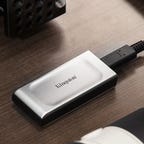
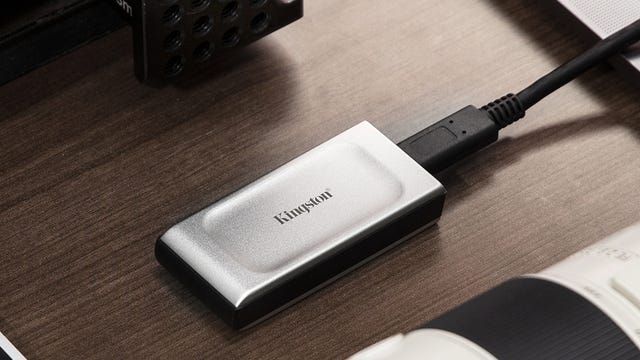
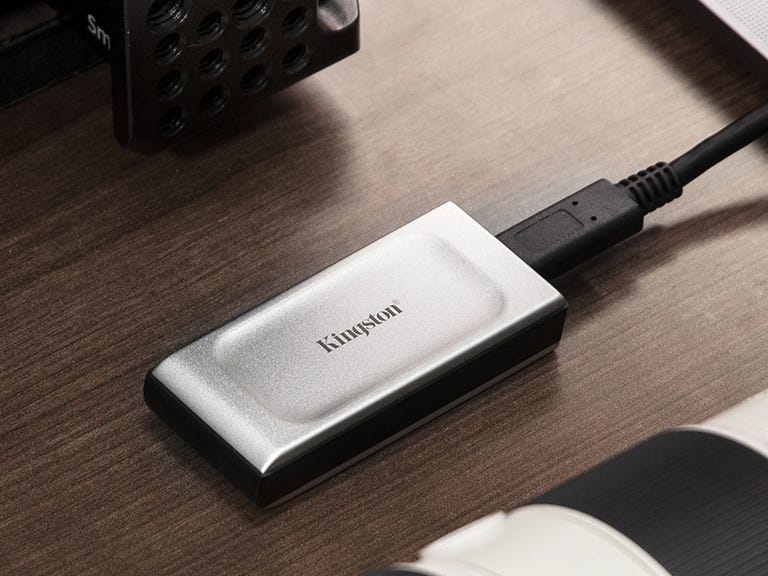
Kingston XS2000
As its name implies, Kingston's XS2000 is capable of speeds up to 2,000MB/s. Like the WD Black P40 Game Drive and SanDisk Extreme Pro (see below), it's an ultrafast SSD that's more geared toward recent Windows PCs equipped with USB 3.2 Gen2x2 dual-lane architecture that allows for a theoretical 20Gbps data transfer rate. But it can also be used with consoles and Macs. (Note the XS2000 is silver, while its predecessor is black).
Its design is a little more plain than some SSDs on this list, but the XS2000 is compact (it's about half the size of a harmonica), lightweight and comes with a rubber sleeve that's supposed to make the device water-, shock- and dust-resistant, though it doesn't have an IP rating. It's a decent value at $115 for the 1TB model.
Best value for Xbox One
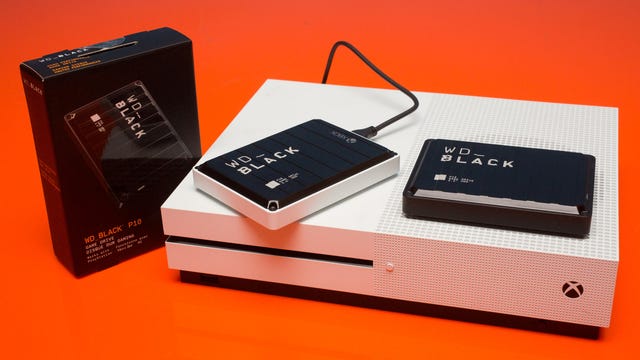
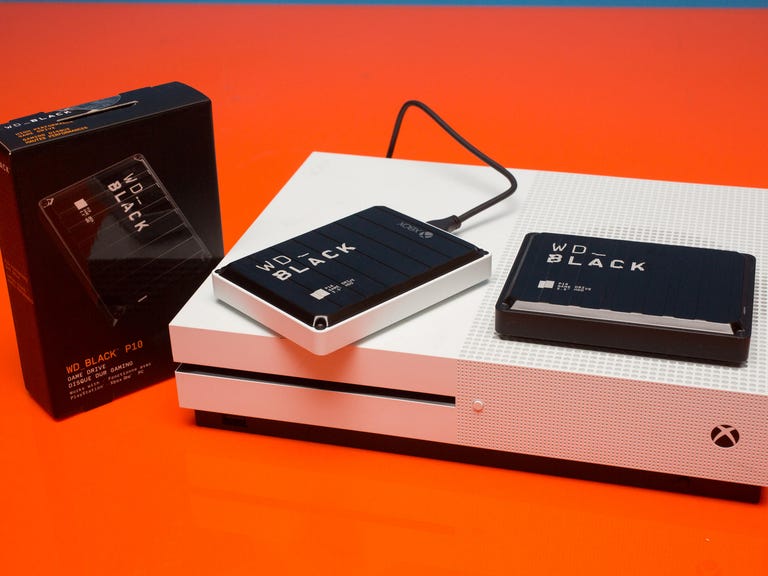
WD Black P10 2TB
If you're looking for a high-capacity external drive for your Xbox One, the WD Black P10 2TB portable hard drive is a good value at around $95 (the 5TB version is about $139). It gives you portable storage for your coveted game collection. This external drive also comes with a digital code that gives you one month of Microsoft's Game Pass Ultimate if you're a new subscriber. There's also a standard version of the portable hard drive, which also works with PCs and the PS4 for slightly less (it's missing the Xbox branding but is otherwise the same drive). The portable drive can deliver speeds up to 130MBps.
Best value high-capacity drive for PS4 games
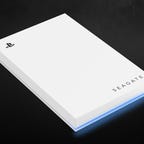
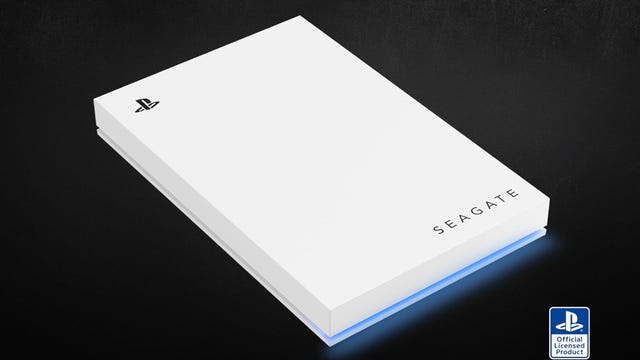
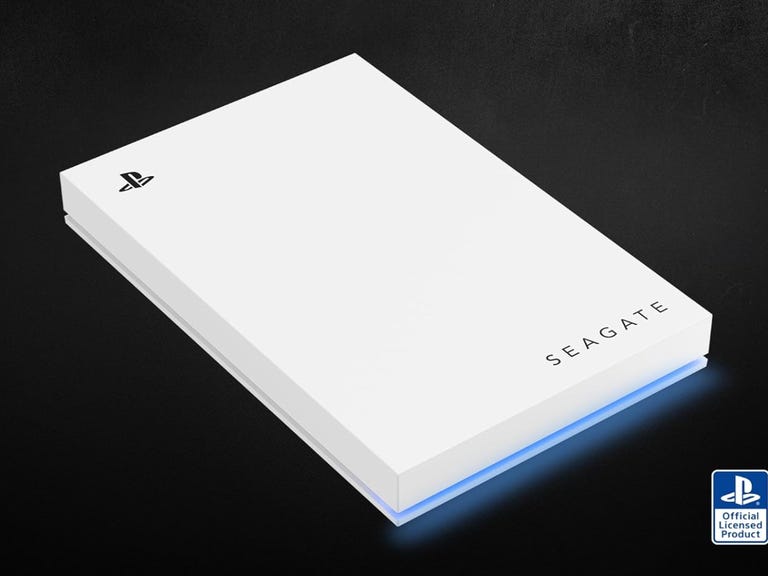
Seagate Game Drive 5TB
While this drive works with both the PS4 and PS5, it can only store PS4 games if you're using it with a PS5 (you can play PS4 games without lag directly from the portable hard drive). The 5TB version is $143.
Note that Seagate makes an
Top SSD for game consoles
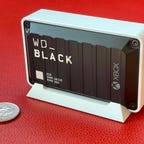
WD Black D30 Game Drive
You can use any SSD with your PlayStation PS4/PS5 or Xbox One, Xbox One Series X or Series S to store PS4 and Xbox One games and other content and pick up a nice speed bump when loading games compared with a standard external hard drive like the WD Black P10 above. Note that with the Xbox Series X, you can only archive Xbox Series X and S games to this drive, you can't store full games on it (the
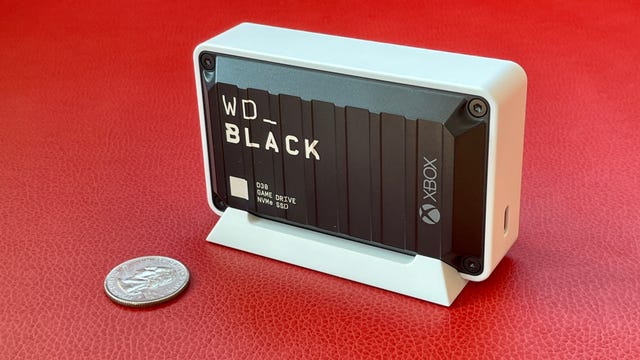
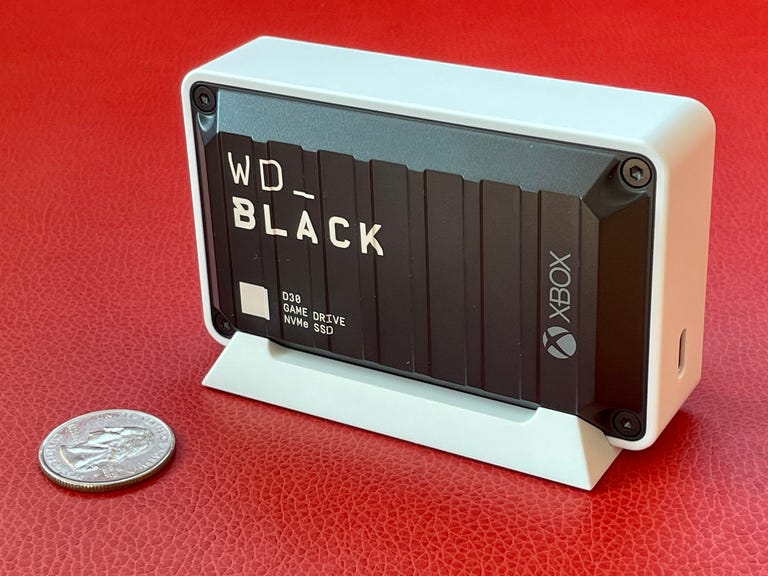
On its surface, then, the WD Black D30 game drive isn't all that special. It has up to a 900MBps transfer rate, which is basically what a console's USB 3.1 connection caps out at. But it's the design that sets it apart. It's thicker and more rugged-looking than your typical SSD or flash drive and includes a detachable stand with rubber feet to keep it from moving around wherever you place it. This is an NVMe SSD (Non-Volatile Memory Express) that provides efficient performance and interoperability. It essentially looks like a mini hard drive, which is kind of cool.
The standard version works with PlayStation 4 and 5, Xbox One and One X and S consoles, as well as PCs. The Xbox version shown in the image simply includes an Xbox logo and a month of Game Pass Ultimate, a $15 value, for $20 more. Alas, only new subscribers can use the included code, so if you already have a Game Pass Ultimate subscription, you're paying the extra $20 for the logo.
The 1TB version starts at $100 while the 2TB version starts at $150.
Rugged ultrafast SSD
SanDisk 1TB Extreme Pro Portable SSD
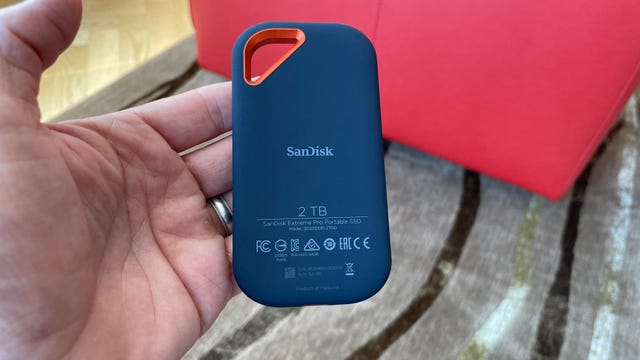
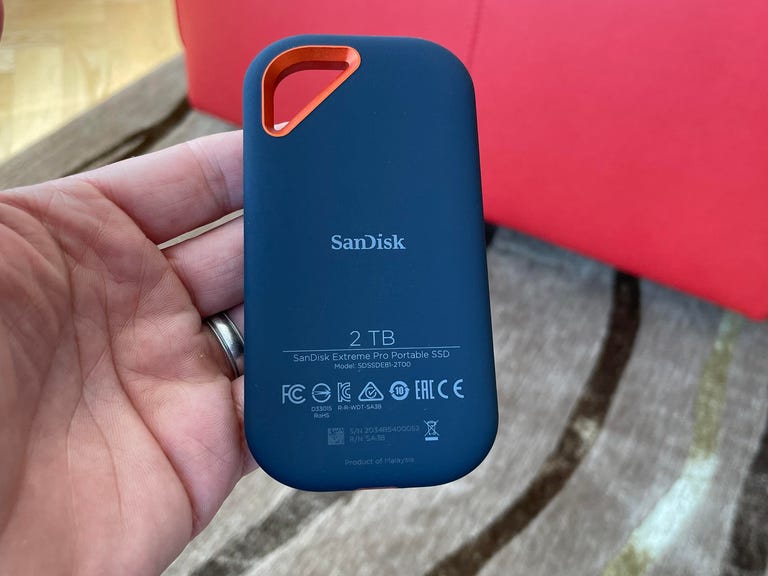
SanDisk makes the Extreme Portable SSD (see above) that delivers speeds up to 1,050MB per second transfer rates. But if you're a photographer or videographer looking for an even faster SSD drive for your PC or Mac, the Extreme Pro Portable SSD is the way to go for extra storage space. The latest version is capable of delivering up to 2,000MBps (2GBps) read/write speeds if you pair it with the right equipment. In order to get the maximum speed, you need a host system that supports USB Gen 3.2 Gen 2x2 speeds.
Compatible with Macs and Windows PCs, it's technically ruggedized with an IP65 rating, meaning this can withstand a sustained spray of water and is dust-resistant. It's also shock-resistant (3 meter drop protection) and is equipped with a forged aluminum chassis that acts as a heatsink. It has a USB-C interface and includes both USB-C-to-USB-C and USB-A-to-USB-C cables. The 1TB version is around $120 while the 2TB has dipped to around $180.
Note: Some users say they have encountered reliability issues with this drive and even had files mysteriously erased. SanDisk has acknowledged some firmware problems with certain drives. It's unclear if these issues have been resolved or not, but we didn't encounter any problems with the test drive we were using.
Best for pro Mac users
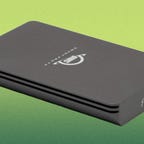
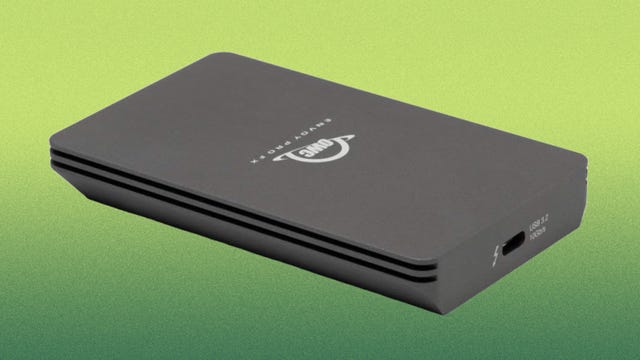
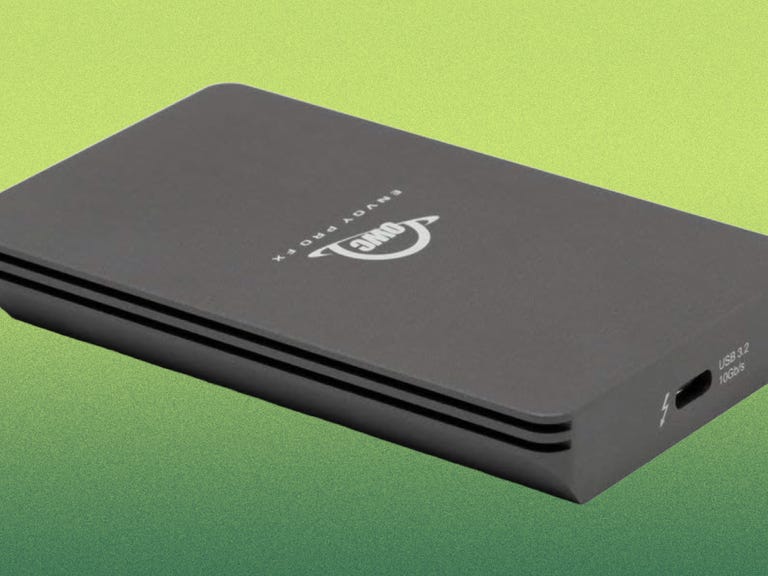
OWC Envoy Pro FX
SanDisk's flagship Pro-G40 SSD starts at around $180 for a 1TB drive, while the 1TB version of Other World Computing's Envoy Pro FX goes for $270. Both offer top-end speeds (the Envoy Pro FX gets up to 2,800MB/s transfer speeds while the Pro-G40 tops out slightly higher at up to 3,000MB/s). While the drive will work just fine with Windows and Linux computers, OWC has long catered to the Mac market, and this external SSD certainly plays well with Macs.
Yes, it costs more than the Pro-G40, but it seems very well built with an aluminum chassis that does a good job dissipating heat (it doesn't heat up too much). Alas, it doesn't come with some sort of carrying case, but it's an impressive drive if you can afford it and are looking for ultrafast transfer speeds.
Best eco friendly external drive
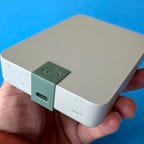
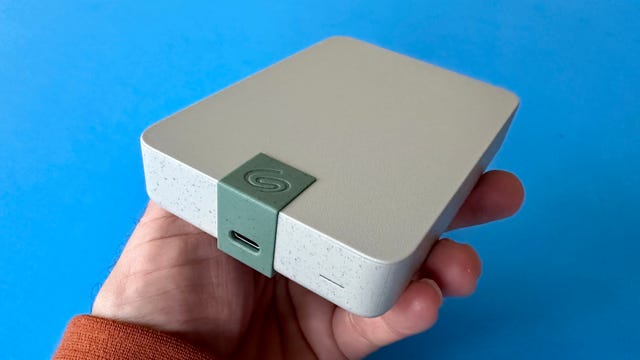
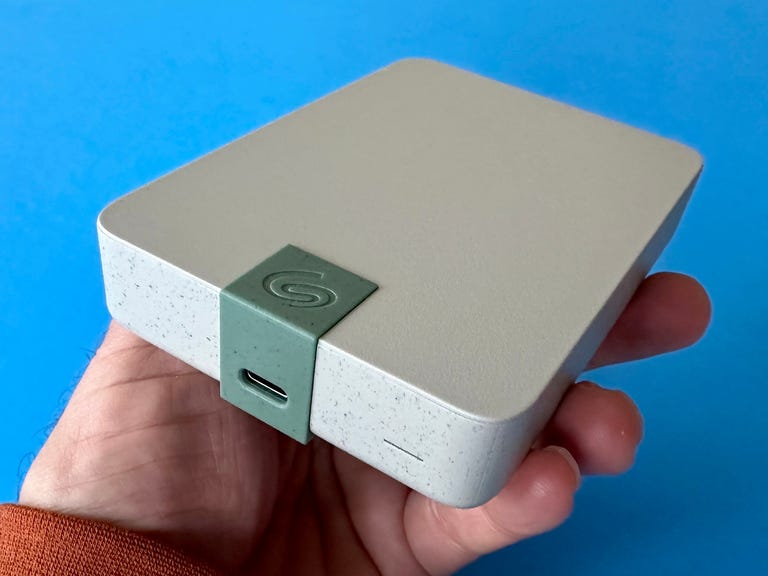
Seagate Ultra Touch 5GB
Yes, even drive makers like Seagate are starting to incorporate recycled materials into their products. The Ultra Touch comes in 4TB and 5TB storage capacities (we tried the 5TB) and aside from the eco angle, it's a pretty standard mechanical drive that features USB-C connectivity (yes, it's compatible with a variety of devices, including Macs, Windows machines and Chromebooks). It weighs in at 267g or 0.589 pounds.
Value 2TB SSD
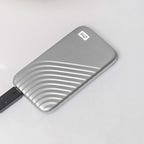
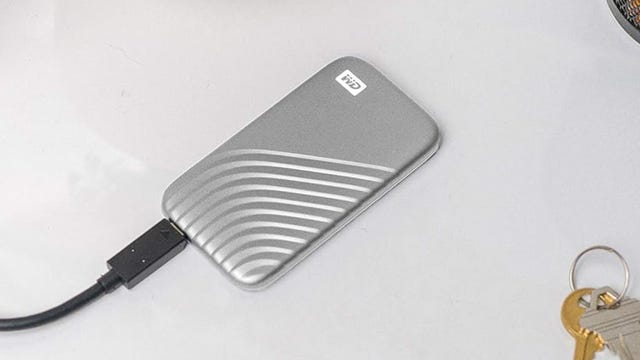
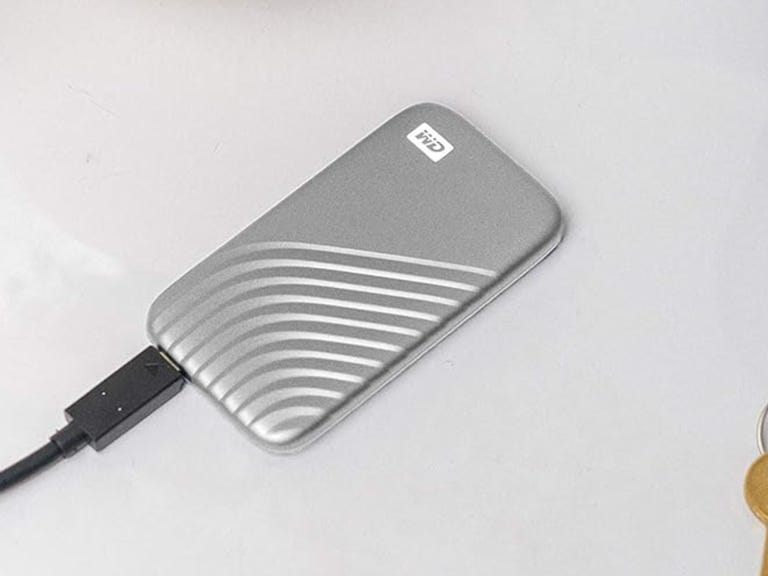
WD My Passport SSD 2TB
This drive offers similar specs to the SanDisk Extreme SSD, with up to 1,050MBs read/write speeds, but it doesn't have a ruggedized exterior. That said, I've used one regularly and it's held up well and offers relatively zippy performance. I've included it here because the 2TB is better priced than some comparable 2TB models.
Best-value desktop drive
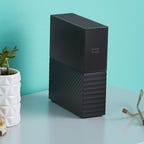
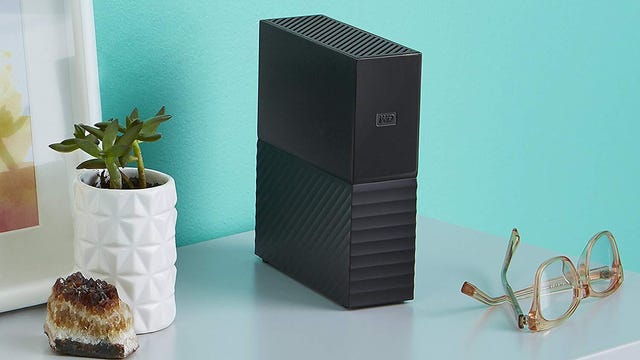
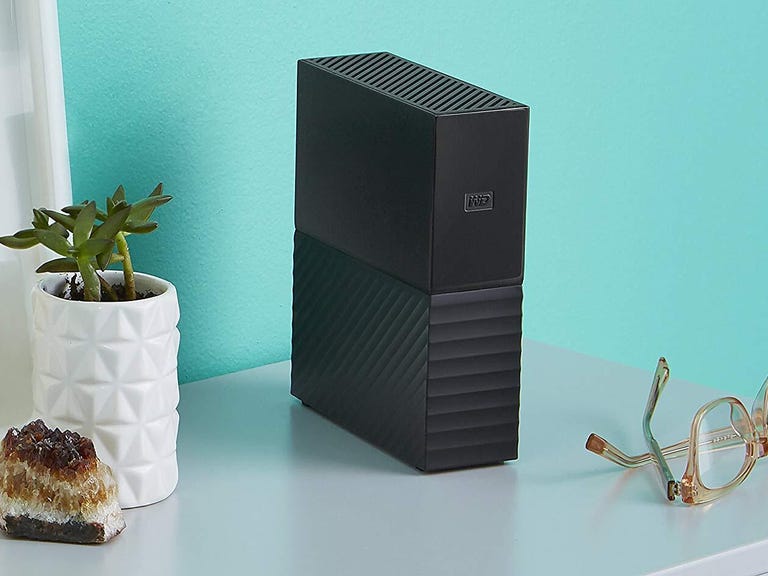
WD My Book 8TB (for Mac or Windows PCs)
The WD My Book desktop drive is available in up to a 18TB configuration, but the 12TB is the best value at around $230. This drive has been around for a while and is geared toward people who need a lot of storage but don't want to pay a ransom to get it.
Rugged workhorse external hard drive
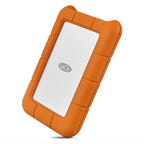
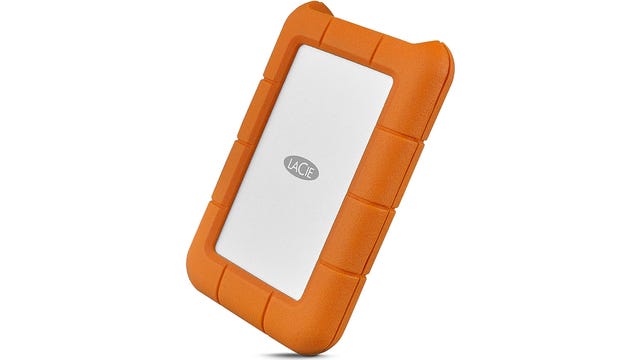
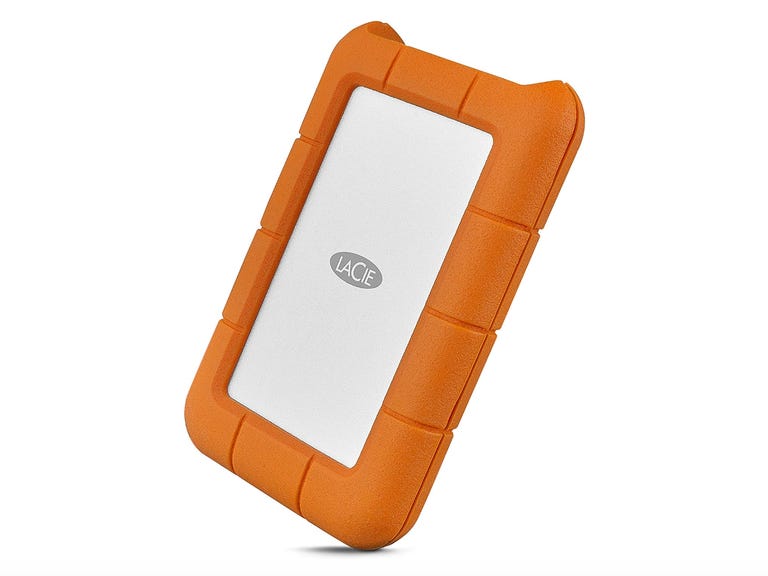
LaCie Rugged USB-C 5TB Portable HDD
After Seagate acquired LaCie several years ago, LaCie became the company's premium brand, and this external HDD 5TB model can be found on a lot of video editors' desks (including plenty at CNET). This rugged hard disk drive uses a USB-C interface, is compatible with Mac and Windows PCs and is water- and shock-resistant. A
Value 4TB SSD
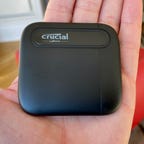
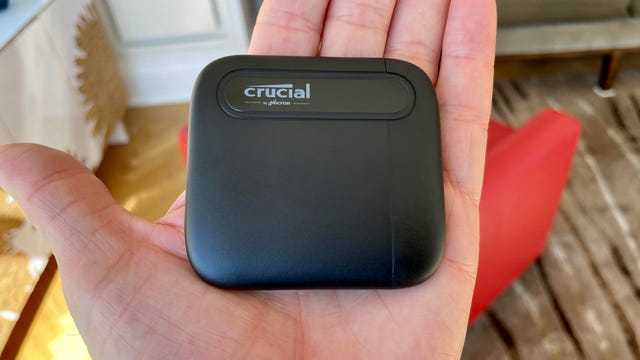
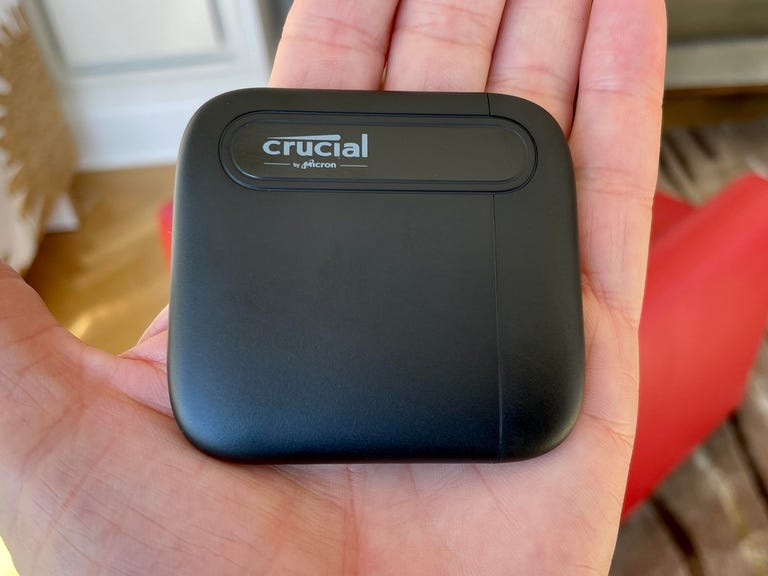
Crucial X6
Crucial's X6 external SSD is considered entry-level because it's just not as fast as higher-end models, which can offer read/write speeds that are twice or even four times as fast (the Crucial X8 is the step-up model). Even so, the X6 is about 4x faster than a drive that isn't solid-state, with transfer speeds of up 540MB/s for the 1TB and 2TB versions and up to 800MB/s for the new 4TB version, which has one of the lowest prices for a 4TB SSD at around $200.
Comparatively, the 4TB SanDisk Extreme SSD, which has a transfer speed rating of up to 1,050MB/s, costs $270. So you're basically looking at a $70 savings if you're willing to take a bit of a small speed hit (again, at least the 4GB version of the Crucial X6 has been bumped up to 800MB/s from 540MB/s).
Factors to consider when choosing an external storage drive
Budget
Before anything else, you'll want to figure out how much you're willing to spend on a new external drive. Compact solid state drives (SSDs) that use flash memory are pricier than slower and bigger mechanical drives, but they have gone down in price over the last couple of years. Today, you can get a 1TB external SSD for as little as $65 or so. But very high capacity SSDs tend to be quite pricey, so if you're looking for a lot of storage for not too much money, you'll likely have to opt for a mechanical drive.
Capacity
External drives start at 500GB and go all the way up to 22TB or so. For a lot of people, especially if you're looking at a faster SSD, the storage sweet spot is 1TB or 2TB. But if you need more than that, you'll likely be deciding between spending a lot on a 4TB SSD or opting for a more affordable but slower 4TB or 5TB mechanical drive.
Data transfer speeds
Solid state drives (SSDs) are delivering faster and faster data transfer speeds. But SSDs that offer the fastest speeds are also quite pricey. You'll have to decide just what kind of performance you want and need based on your use case and the PC you have (to get the fastest transfer speeds you need a computer that has the latest USB technology). Unless you regularly transfer massive video files, you probably don't need a "pro" level storage device. Note that even the slowest SSDs tend to be about five times as fast as a traditional mechanical drive.
Compatibility
Most external drives are compatible with a wide variety of computers, including Macs, Windows PCs and Chromebooks. But things get more complicated when you get into the realm of game consoles. To store PS5 or Xbox Series X or S games, you'll need to purchase a drive specifically for that task. You can use most external drives to store and play PS4 games or standard Xbox One games (off the drive), but you'll need to install an internal drive to store and play PS5 games. Xbox Series X and S machines require you to buy either the WD Black C50 expansion card or Seagate Storage expansion card to store and play Xbox Series X or S games.
Security
Some of you may be storing sensitive data on your external storage drive. If that's the case, look for drives that include security features, including encryption.
How we test external drives
We test external drives based on three key criteria, comparing similarly styled and priced models. These criteria are design, performance and value.
- Design: We assess not only the size and weight of the drive (portability factors), but its overall build quality and durability, including water-, shock- and dust resistance.
- Performance: We evaluate read/write performance by transferring 50GB of files to and from both a PC and Mac computer multiple times. We also evaluate how much a drive heats up.
- Value: We compare drives with similar performance specs against each other and assess how good a value they are based on their price for the same capacity drive.
External drive FAQs
How do I set up an external drive?
Many drives are plug-and-play, but you may have to format a drive for your particular operating system. Some drives come with their own software utilities to set up the drive for whatever operating system you're using.
What interface do external drives use?
Most of today's drives use USB-C interfaces and often come with a USB-C-to-USB-A adapter that allows you to connect the drive to older USB-A ports. However, to get maximum speeds, you'll need to connect the drive via USB-C.
What USB-C technology do you need to get the fastest speeds?
USB-C connectors have four metal pins that are used to transfer data. They are sometimes referred to as "lanes." USB 3.2 Gen 1 (5Gbps) and USB 3.2 Gen 2 (10Gbps) use one TX lane to transmit data and one RX lane to receive data. Most of the latest computers offer at least those speeds, and more computers are getting USB 3.2 Gen 2x2, which offers up to two lanes of 10 Gbps operation for a theoretical 20Gbps data transfer rate.
USB4 and Thunderbolt ports (Macs use Thunderbolt) allow you to transfer data as well as video and audio. That means you can connect both external drives and displays. Thunderbolt/USB4 offers up to a 40Gbps theoretical data transfer rate. Thunderbolt 3 and Thunderbolt 4 ports look and act like USB-C ports and support USB-C connectivity. However, a computer with standard USB-C ports does not support Thunderbolt devices.
Do I need a special USB-C cable for an external drive?
To get the fastest speeds, you typically need a compatible USB-C cable (the drive should come with the right cable to maximize data transfer rates). A Thunderbolt-compatible cable is required for computers equipped with Thunderbolt ports to achieve maximum data transfer speeds. Thunderbolt 3 and Thunderbolt 4 ports look like USB-C ports and use a cable that looks like a USB-C cable but has a Thunderbolt insignia on it. Earlier Thunderbolt and Thunderbolt 2 ports use their own type of connector (the port also accommodates a Mini DisplayPort cable for connecting to monitors). You can buy an adapter that converts a Thunderbolt 2 cable to Thunderbolt 3 and 4. There are also USB-C to Mini DisplayPort cables.
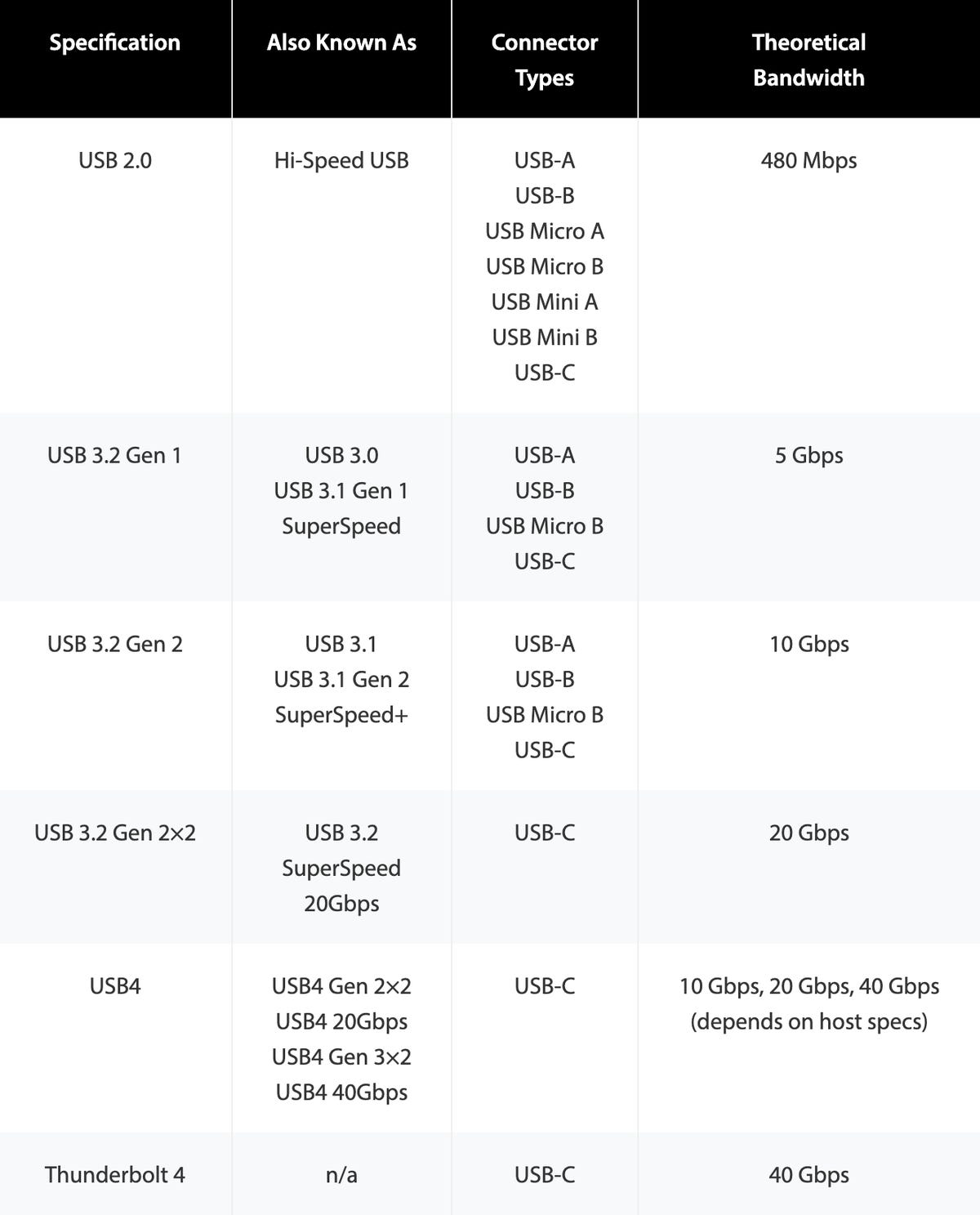
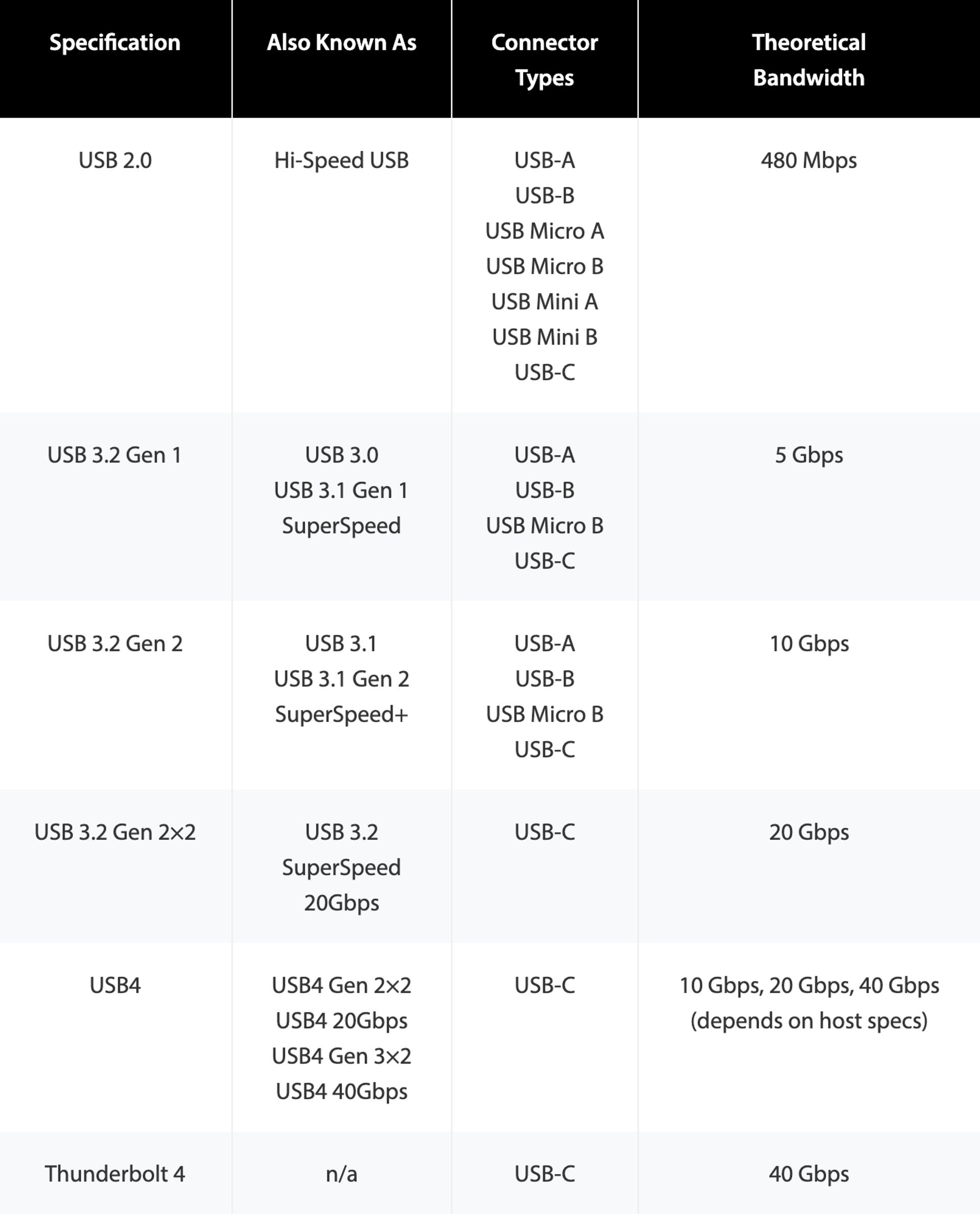
USB types and theoretical burst transfer speeds.